Capture leads wherever the conversation starts
Add leads yourself, import a CSV list, or share a public enquiry form. Keep contact details, source, ownership, status, and notes together from the first interaction.
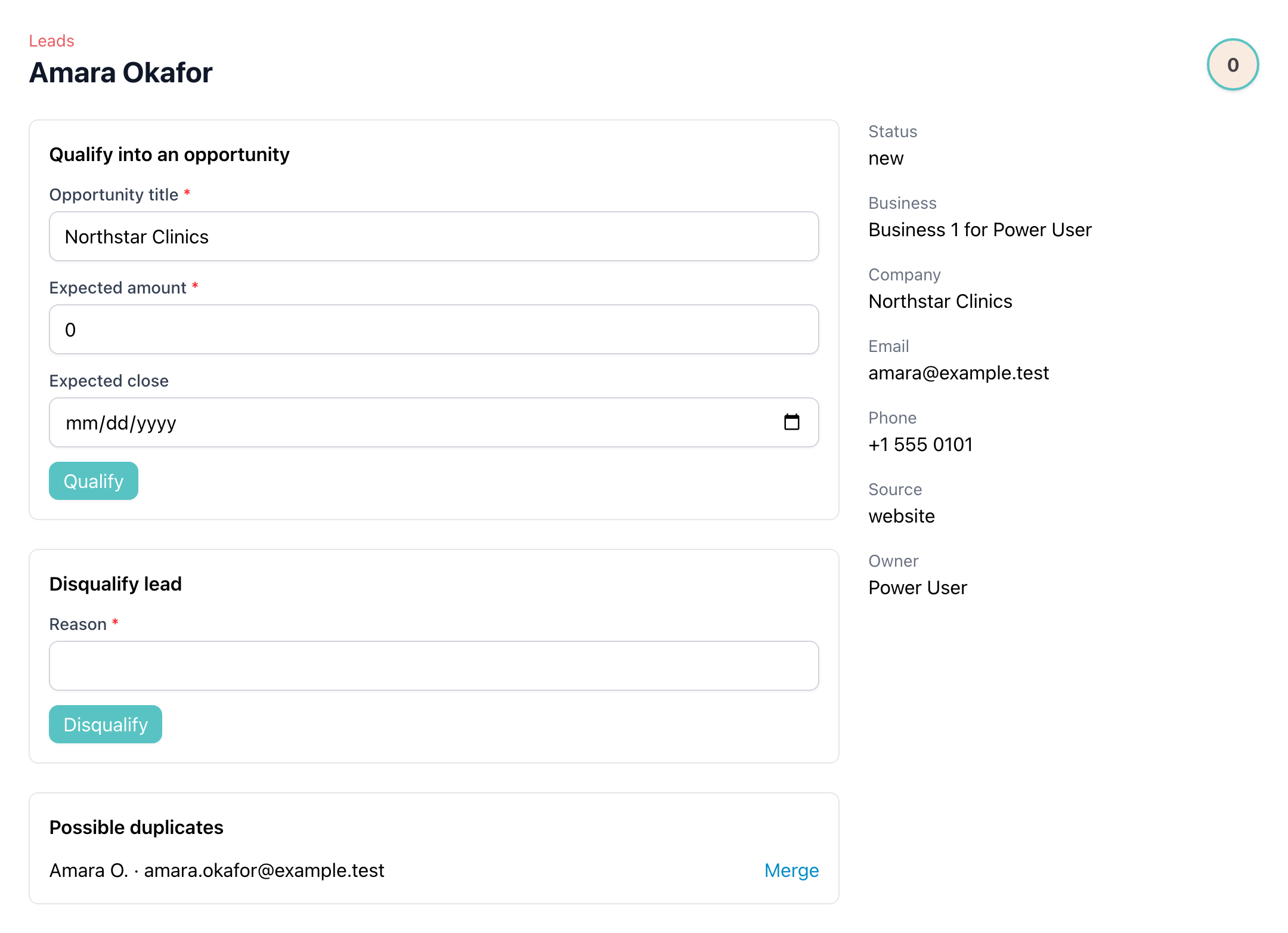
Qualify good leads without re-entering their details
Turn a qualified lead into a customer and sales opportunity, with an optional follow-up activity ready for the next conversation. Possible duplicates can be merged before they fragment your history.
See every opportunity in a visual pipeline
Move opportunities through open stages, compare expected values, and switch between pipeline and list views. Use the standard sales flow or create pipelines for another sales process.
Make the next action visible
Schedule calls, emails, meetings, quotations, notes, and tasks on an opportunity. Complete or reopen activities, add meetings to your calendar, and review the full timeline later.
Forecast from the work already in your pipeline
Review open pipeline value, weighted forecasts, won and lost results, win rate, lead conversion, and lead sources without maintaining a separate sales spreadsheet.
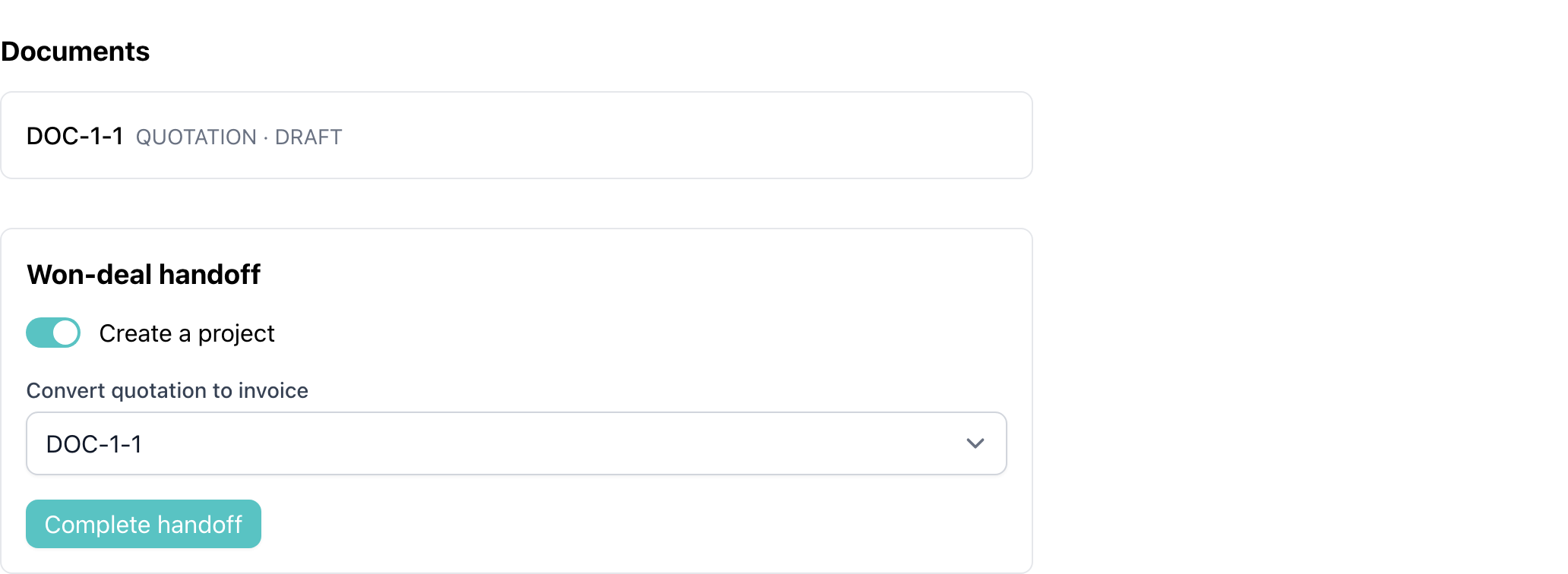
Carry won deals into delivery and billing
Keep quotations and other documents visible on the opportunity, then hand a won deal into a new project and convert a linked quotation into an invoice when the work is ready to begin.
A connected sales workflow
1. Capture
Record the lead
Add, import, or collect an enquiry through the public form.
2. Qualify
Create the opportunity
Turn a promising lead into a customer and active deal.
3. Progress
Move through stages
Keep probability, value, owner, and close date current.
4. Follow up
Plan every next step
Schedule activities and keep outcomes on the timeline.
5. Handoff
Start delivery
Move won work into projects, documents, and billing.
CRM guides and connected workflows
Getting Started With CRM
Understand the complete lead-to-handoff workflow.
Capture and Qualify Leads
Create, import, merge, qualify, and disqualify leads.
Manage Opportunities and Pipelines
Track deals and move them through your sales stages.
CRM Activities and Follow-ups
Plan calls, meetings, quotations, tasks, and other next steps.
Won-Deal Handoff
Turn closed sales into projects and invoices.
CRM Reports
Read pipeline, forecast, win-rate, and conversion figures.
Frequently Asked Questions
Common questions about leads, opportunities, pipelines, activities, and won-deal handoff.