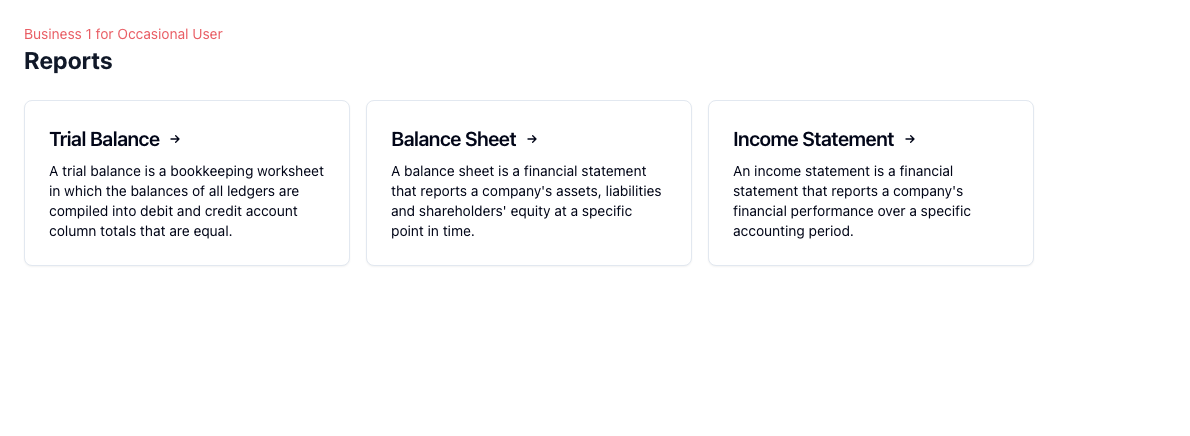
Three core financial reports
Generate trial balances, balance sheets, and income statements from the same bookkeeping data. This covers the essential reporting views many small businesses need for review, sharing, and internal decision-making.
Move across years without rebuilding the report
When you need to review a prior period, switch the year and regenerate the report view from the same workflow. That makes it easier to compare reporting periods without exporting everything first.
Download as PDF or CSV
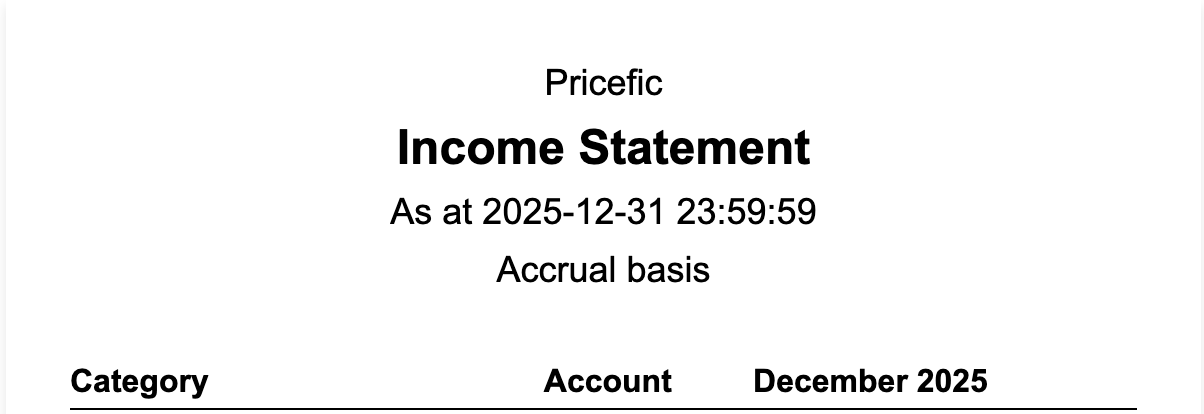
Use PDF when you want a clean shareable report, and CSV when you want to open the data in spreadsheet software for additional analysis, internal formatting, or ad hoc finance work.
Built on posted bookkeeping data
Reports are only as useful as the records behind them. Because reporting sits on top of your transactions, categories, and posting workflow, it reflects the accounting work you have already completed rather than disconnected spreadsheet summaries.
How reporting fits into the workflow
1. Record
Keep transactions categorized
Accurate reports begin with posted transactions and correct account selection.
2. Generate
Open the report type you need
Choose trial balance, balance sheet, or income statement for the review you are doing.
3. Review
Switch periods and inspect output
Move across years or adjust reporting settings to review the data in context.
4. Export
Download for sharing or analysis
Use PDF for presentation and CSV for spreadsheet-level work.
Related guides and pages
Reporting Guide
See how report views, year switching, and downloads work inside Pricefic.
Transactions
Reporting quality depends on the transaction workflow feeding your books.
Bookkeeping Software
See how reports connect to accounts, reconciliation, and other bookkeeping work.
Accounts and Ledger Guide
Learn the accounting structure behind the reports.
Frequently Asked Questions
Common questions about financial reports, exports, and how reporting data is generated.