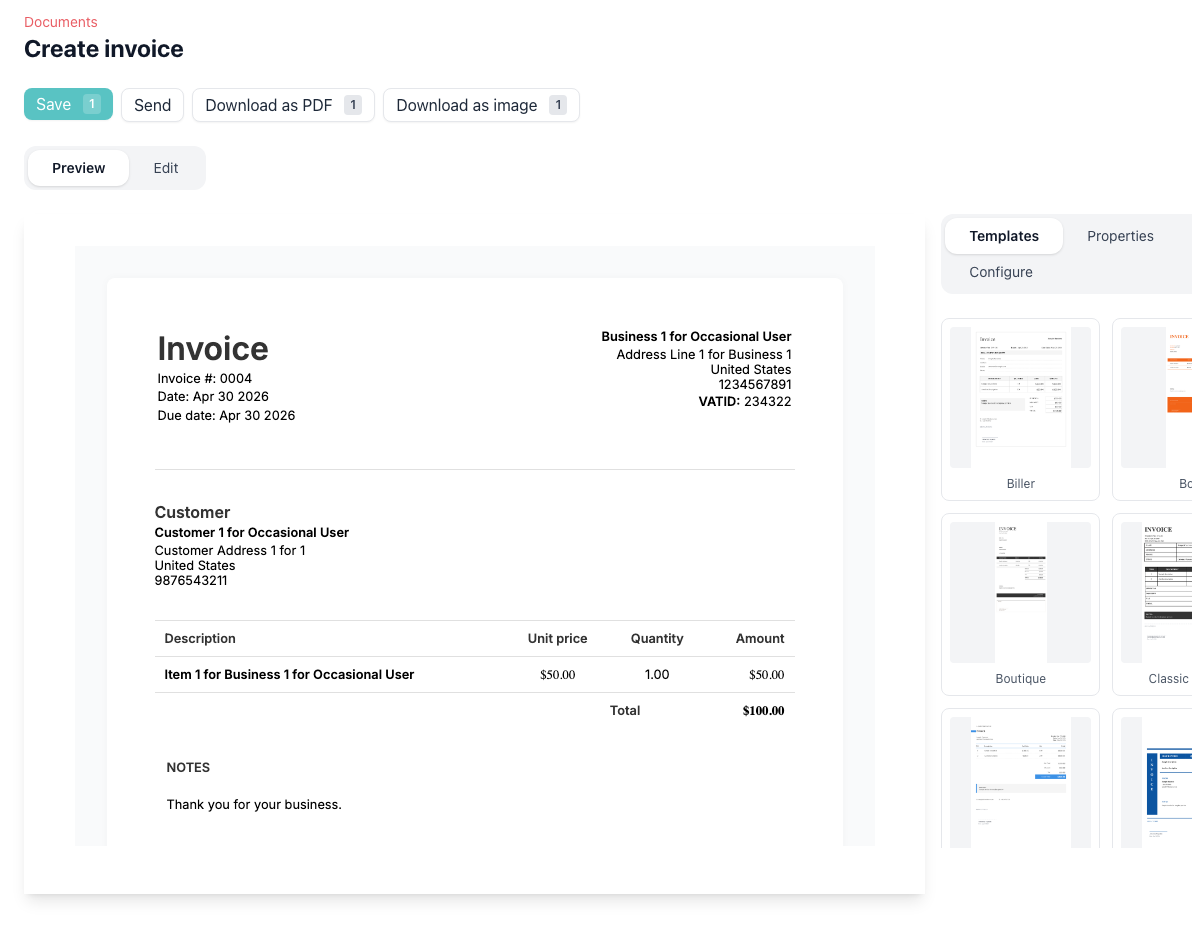
Create the document type you need
Start with an invoice, quotation, or receipt and keep the workflow consistent across all of them. Pricefic helps you handle client-facing documents from the same editor instead of maintaining separate tools for each format.
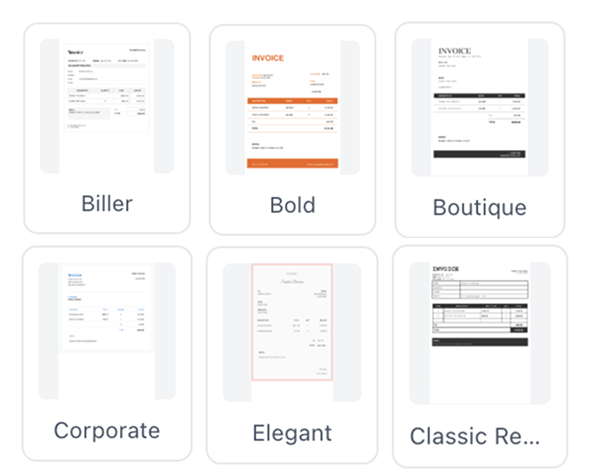
Customize layout, fields, and branding
Use templates, brand colors, editable line-item labels, and custom business or customer fields to make documents match how your business actually works. This is useful for P.O. numbers, tax references, delivery contacts, and other details clients expect.
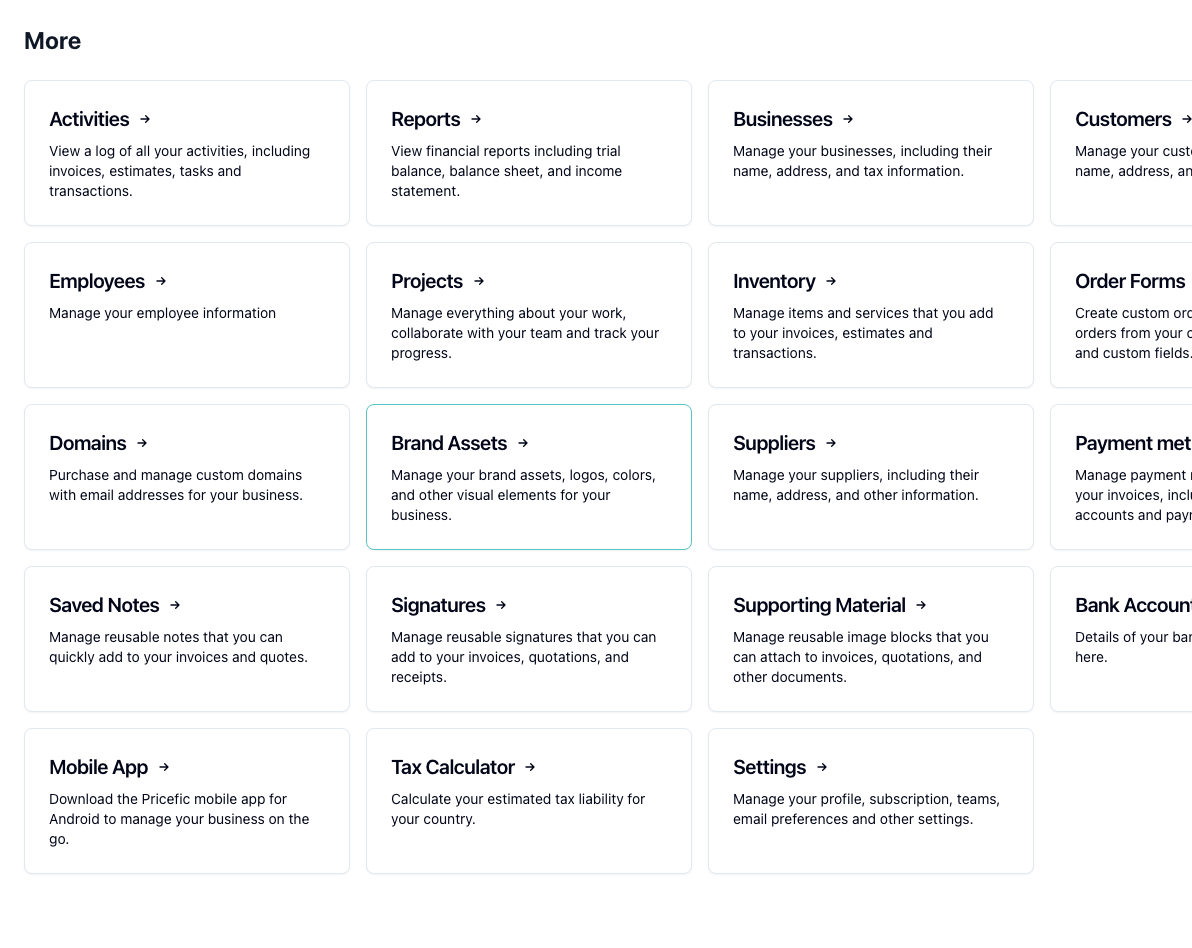
Add payment methods, signatures, and images
Attach reusable payment methods, saved signatures, and reusable image blocks directly to documents. That means fewer manual edits, cleaner client communication, and a more complete final document when you preview, send, or download it.
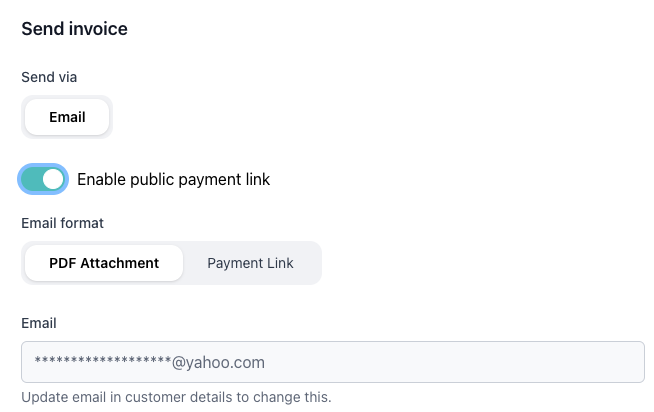
Set up recurring invoice workflows
For repeat billing, Pricefic supports recurring invoice schedules so you do not need to rebuild the same invoice every cycle. Reuse notes, payment methods, and templates for a more stable monthly workflow.
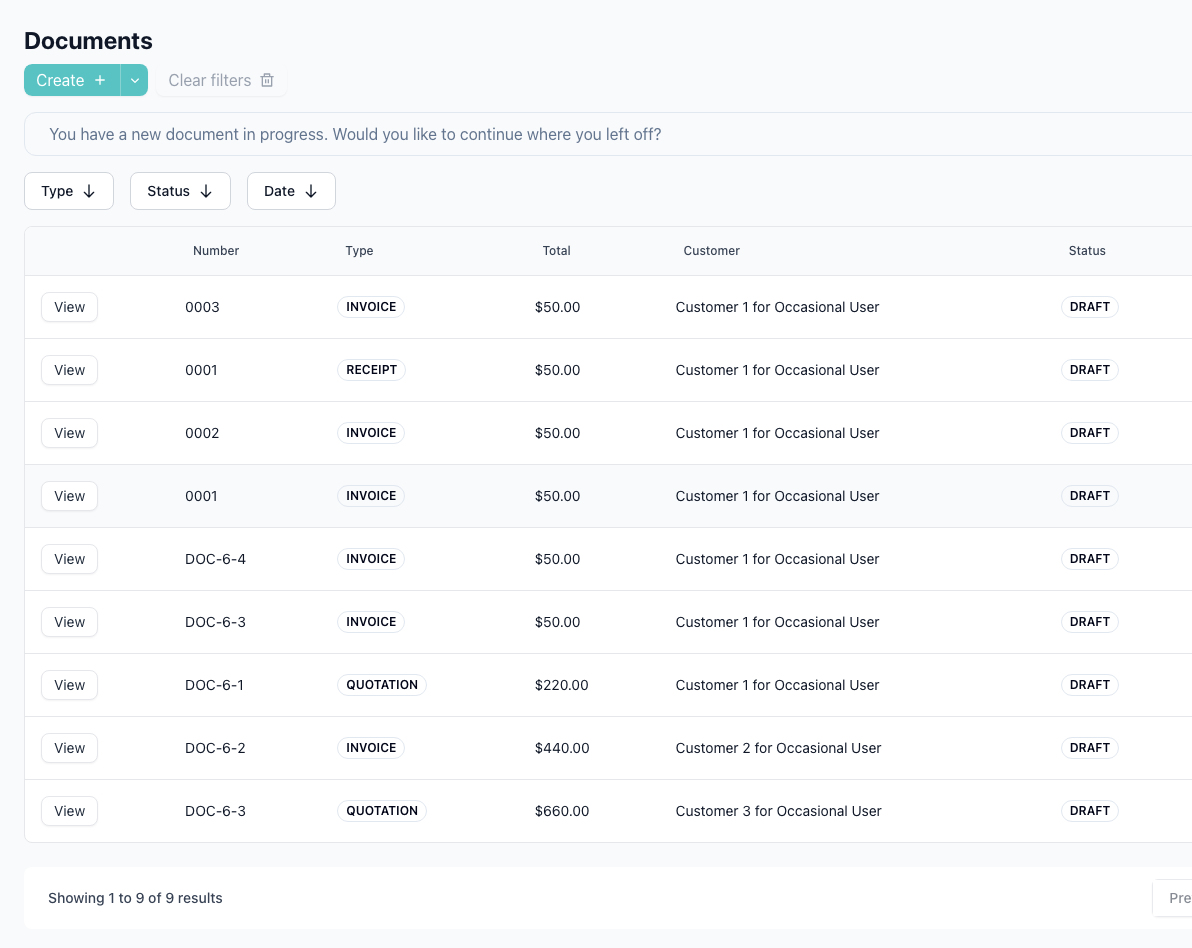
Find the right document faster
As your document count grows, filters for type, status, and date range make it easier to review billing activity, unpaid work, or recent client communication without scanning a full history every time.
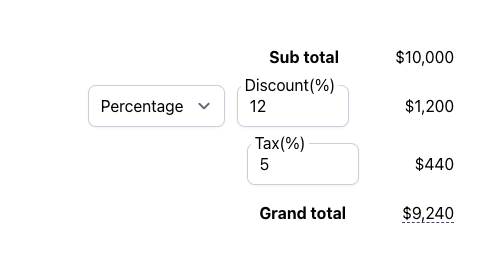
Reusable taxes, multi-tax, and shipping
Save tax rates once and apply them across every document. Stack multiple taxes on a single invoice (VAT, GST, service charges), add shipping fees to the totals, and save ad-hoc rates straight from the editor for next time.
Keep totals and outputs consistent
Taxes, discounts, shipping, line totals, preview output, and downloads stay in one workflow. That helps reduce manual errors and gives you cleaner records for both your clients and your internal bookkeeping.
How document workflows stay organized
Pricefic is designed so you can move from creating a document to sending, reusing, and finding it again later without stitching together separate tools.
1. Build
Start from a document type and template
Create an invoice, quotation, or receipt and choose the layout that fits the job.
2. Customize
Add your operational details
Use payment methods, notes, custom fields, signatures, and image blocks where they matter.
3. Reuse
Keep repeat work efficient
Saved notes, recurring invoices, signatures, and image libraries reduce repetitive setup work.
4. Manage
Track and filter later
Return to the documents list to review by type, status, customer context, or time window.
Good fit for teams that need more than a basic invoice maker
Service businesses sending detailed invoices
Useful when you need clean line items, customer-specific references, and clear payment instructions on every invoice.
Proposal-driven work that becomes billable later
Quotations, receipts, and recurring invoices fit well when work begins as a proposal and turns into ongoing billing.
Businesses that need richer document presentation
Signatures, image blocks, and branded templates help when a plain PDF is not enough for approvals, proof, or client confidence.
Related guides and feature pages
Customize Templates
Change document themes, line-item column labels, and business or customer custom fields.
Recurring Invoice Guide
Learn how recurring invoice schedules work for repeat billing.
Signatures Guide
Create reusable signatures and attach them to invoices, quotations, and receipts.
Images Guide
Upload reusable image blocks and attach them to your client documents.
Document Filters Guide
Use type, status, and date filters to review documents faster.
Step-by-Step Invoice Guide
See the full invoicing workflow inside Pricefic.
Frequently Asked Questions
Common questions about invoices, quotations, receipts, recurring billing, and document customization.