What template customization covers
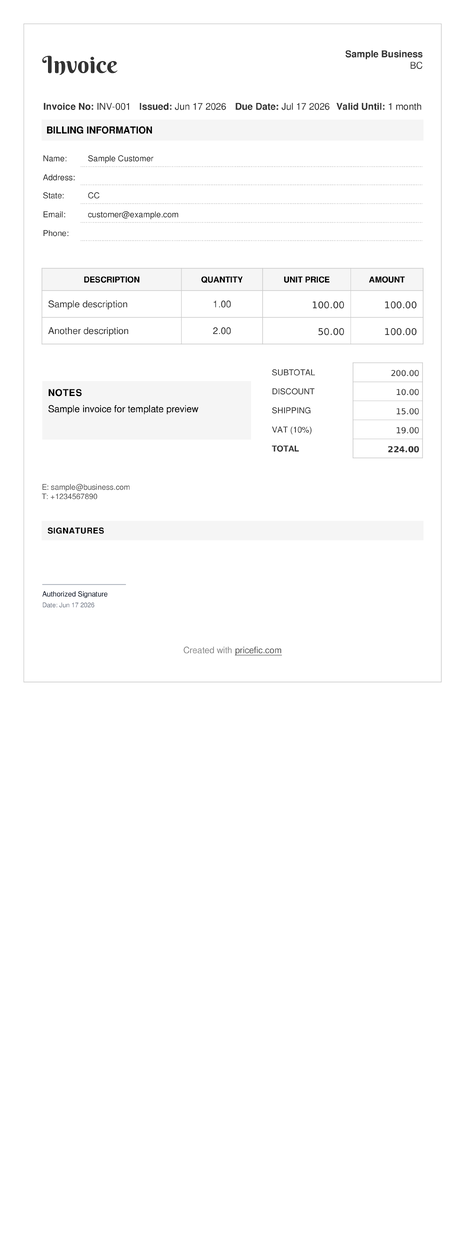
Biller
Template based on biller theme
Use template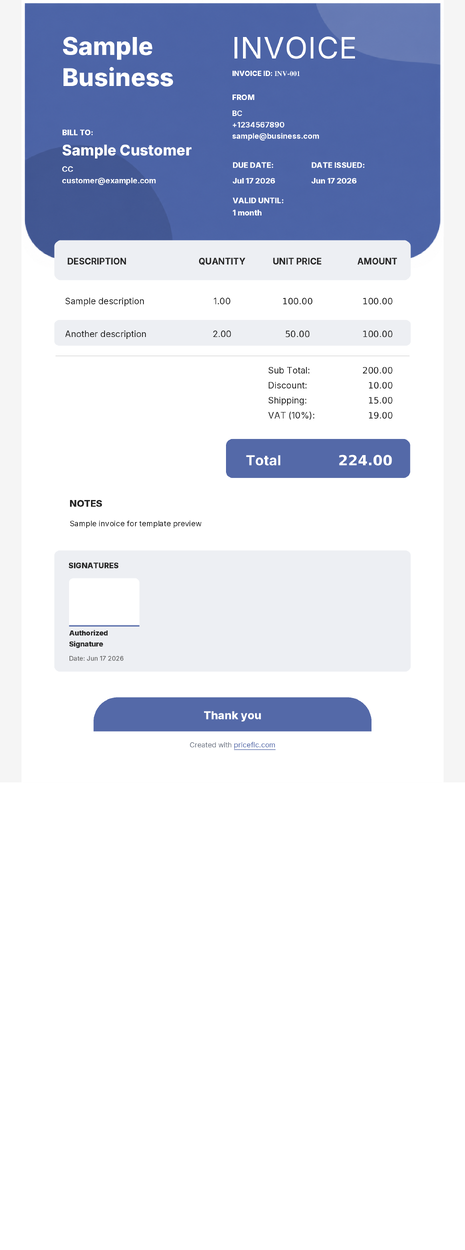
Blue Tones
Template based on blue-tones theme
Use template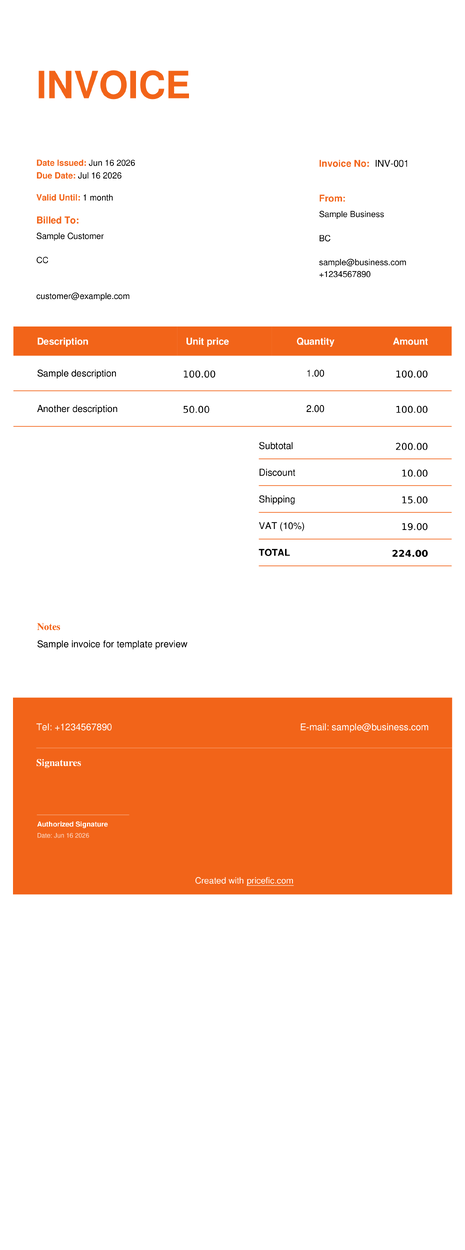
Bold
Template based on bold theme
Use template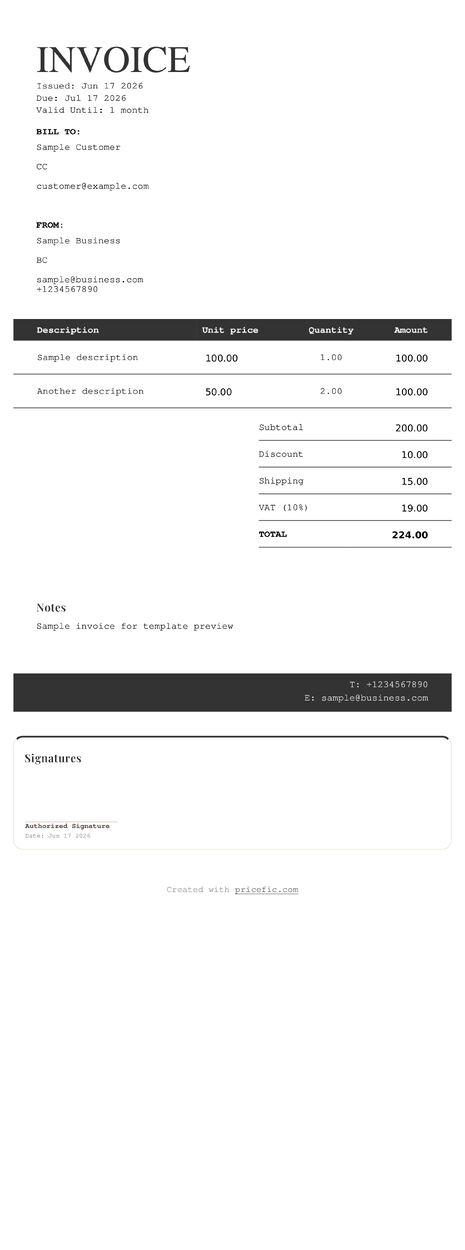
Boutique
Template based on boutique theme
Use template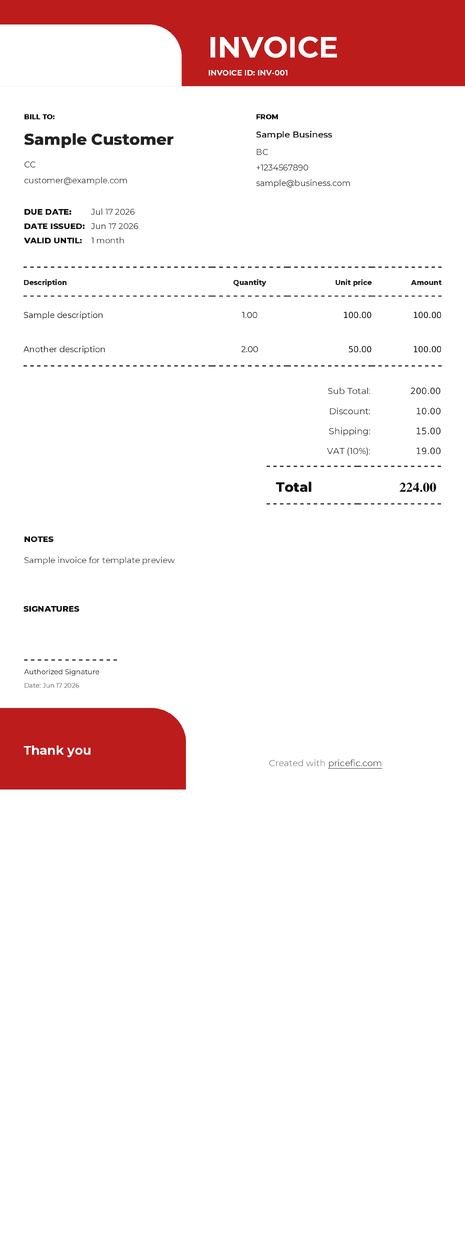
Chalkboard
Template based on chalkboard theme
Use template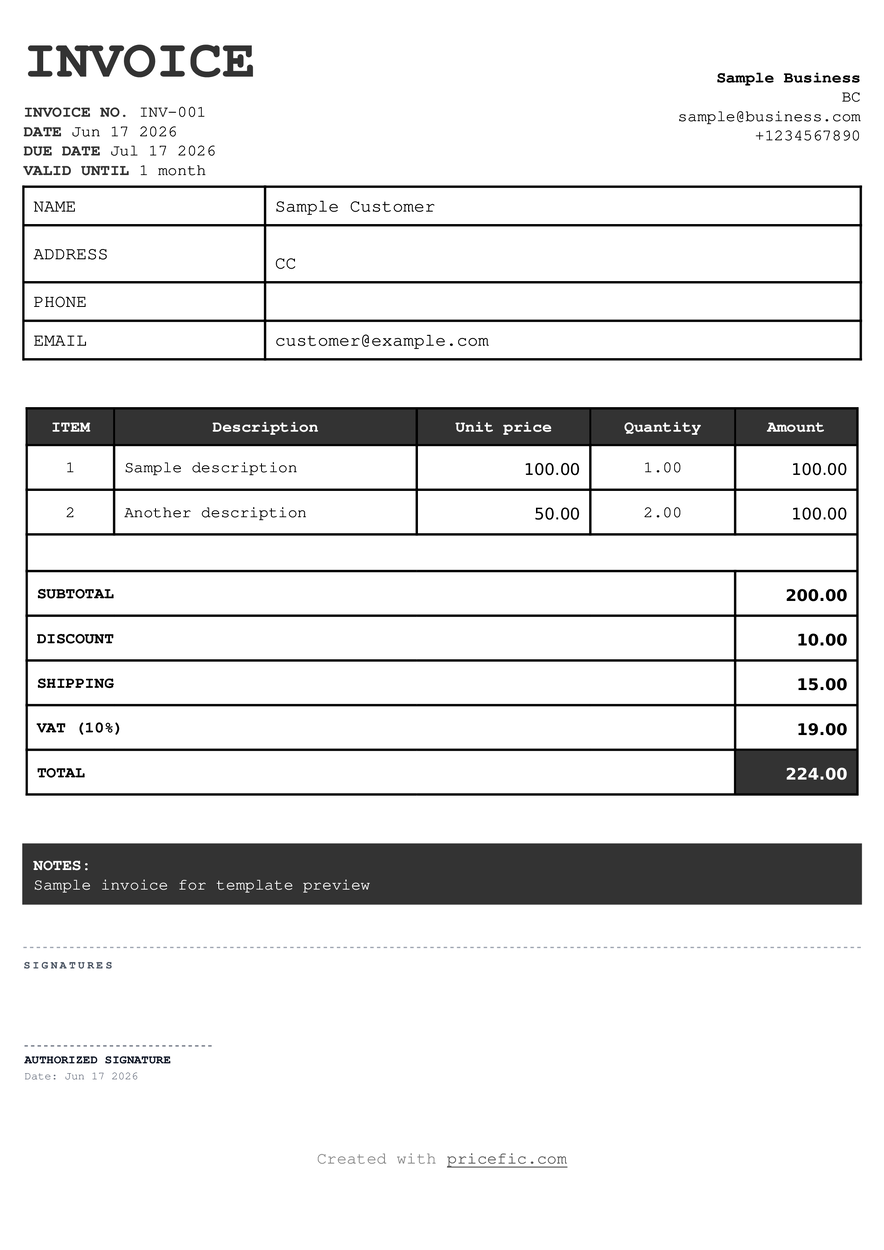
Classic Receipt
Template based on classic-receipt theme
Use template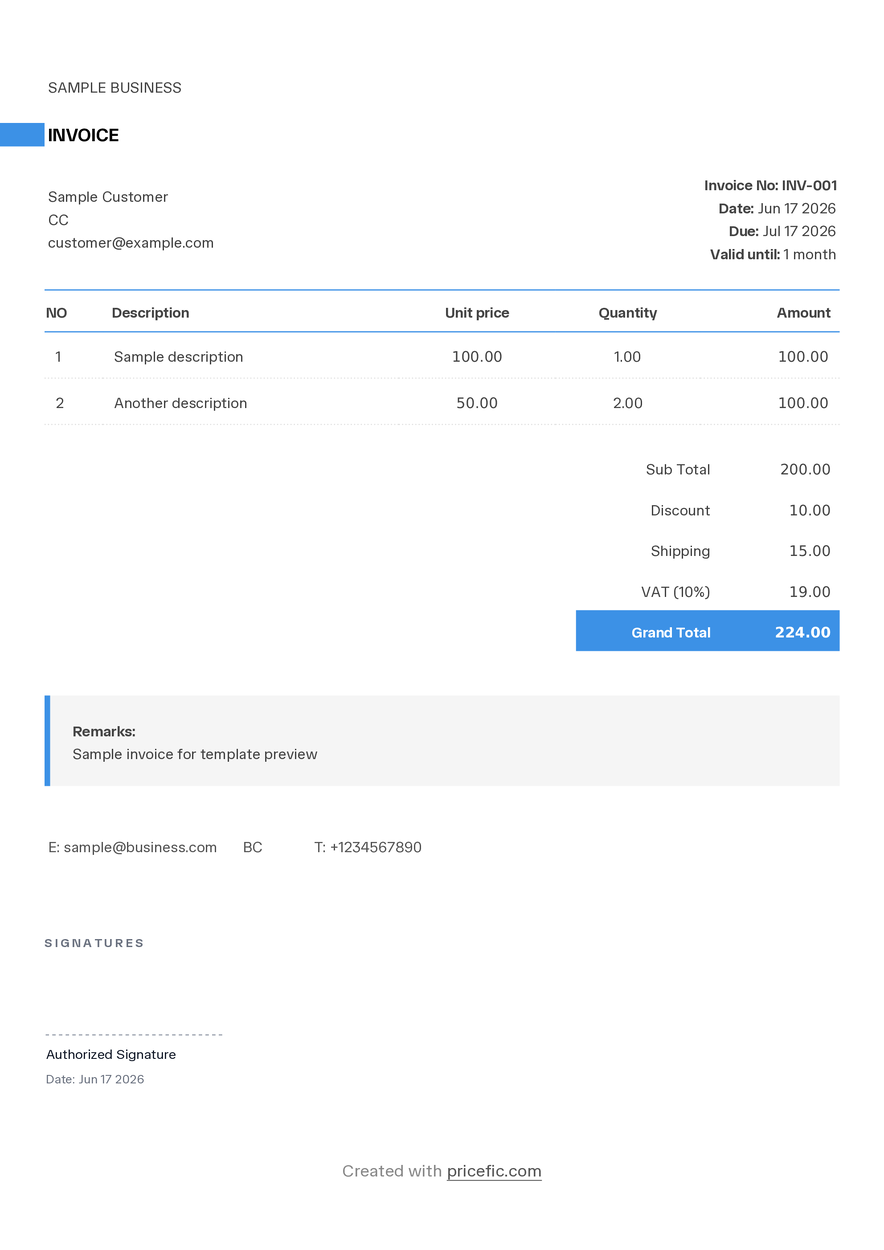
Clean Lines
Template based on clean-lines theme
Use template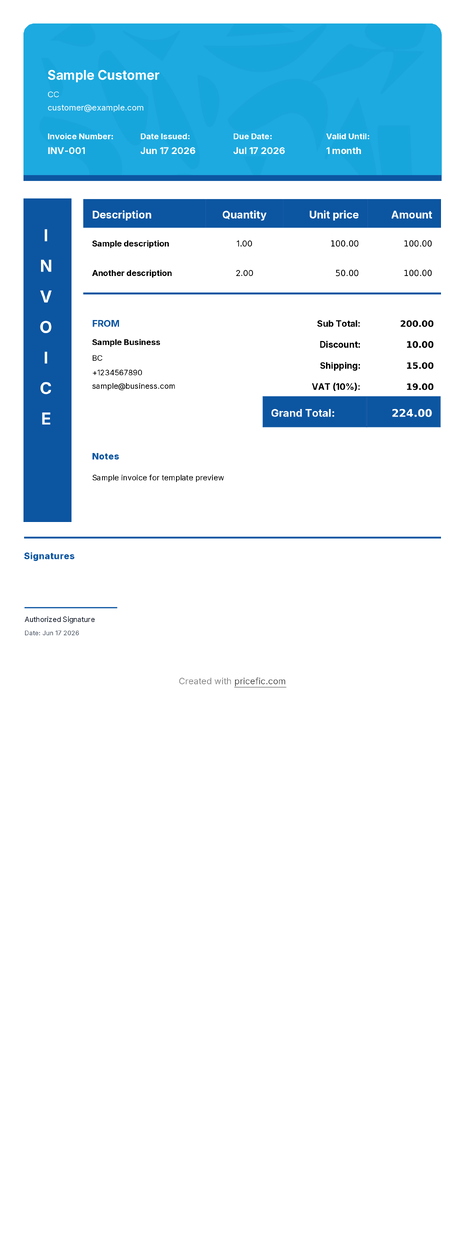
Color Blocks
Template based on color-blocks theme
Use template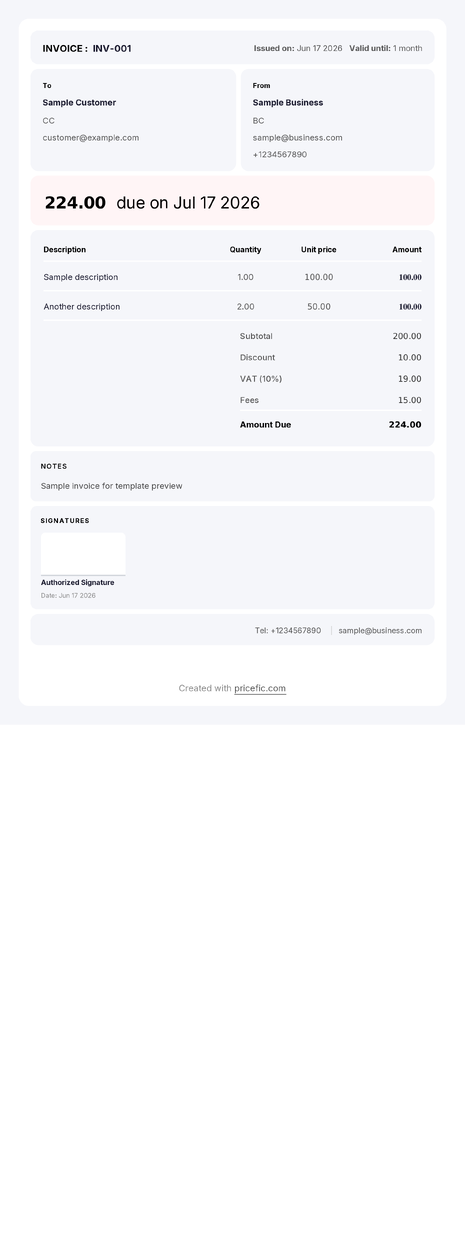
Column
Template based on column theme
Use template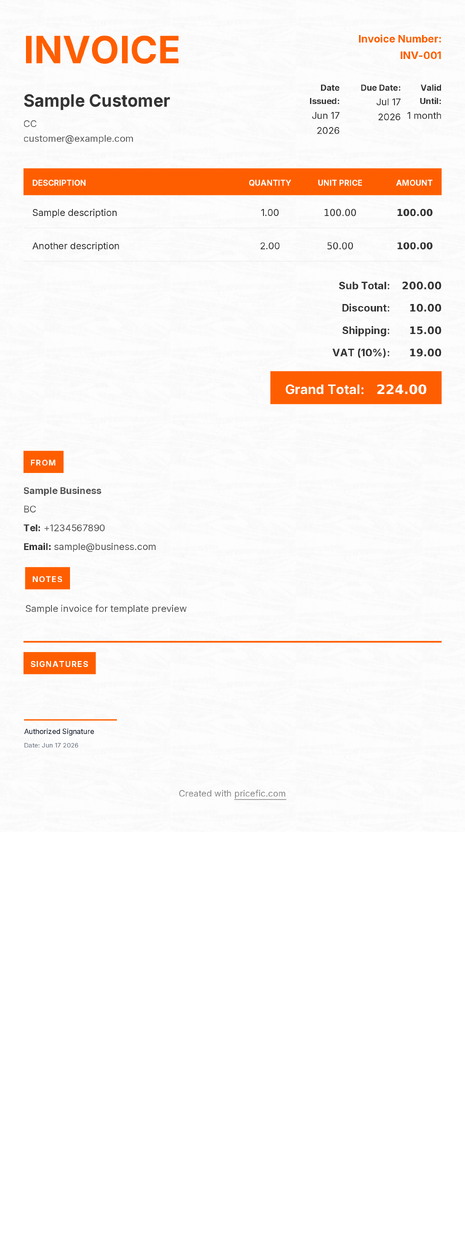
Construction
Template based on construction theme
Use template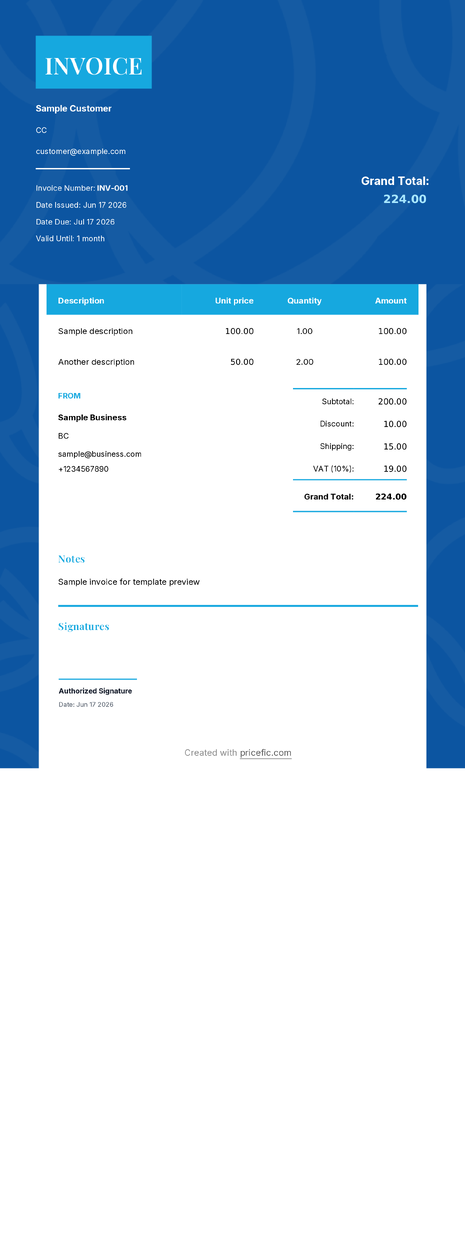
Consultant
Template based on consultant theme
Use template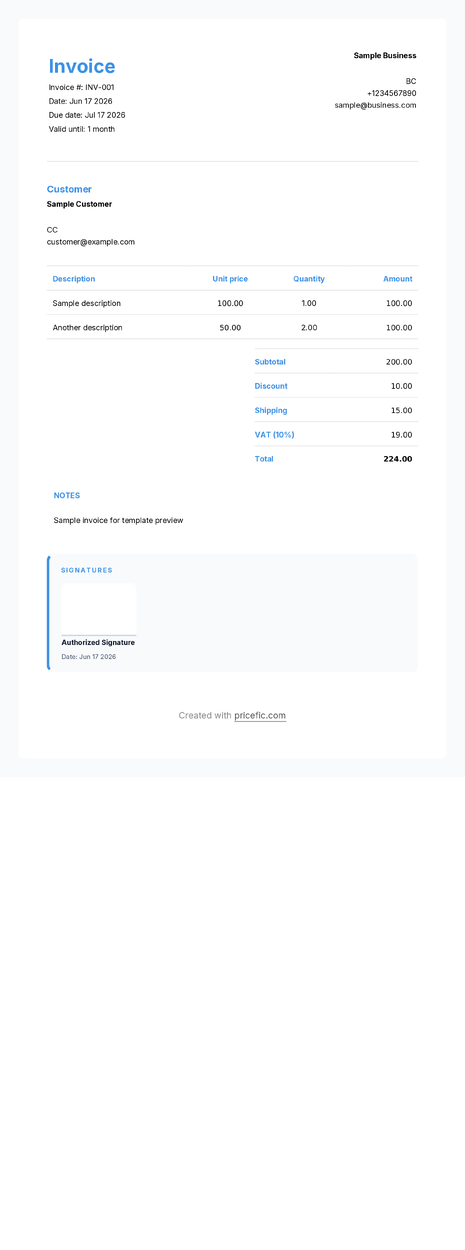
Corporate
Template based on corporate theme
Use template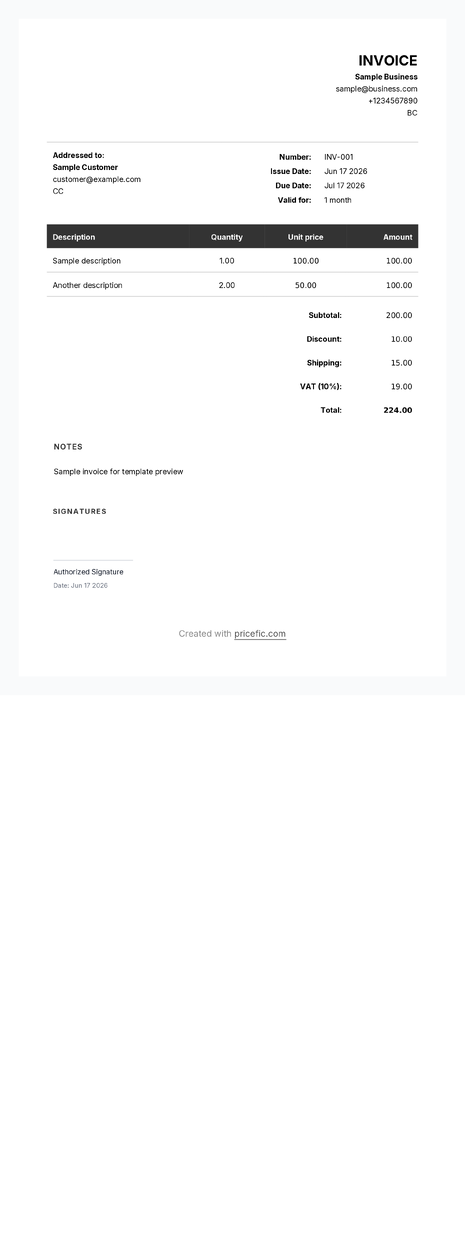
Default
Template based on default theme
Use template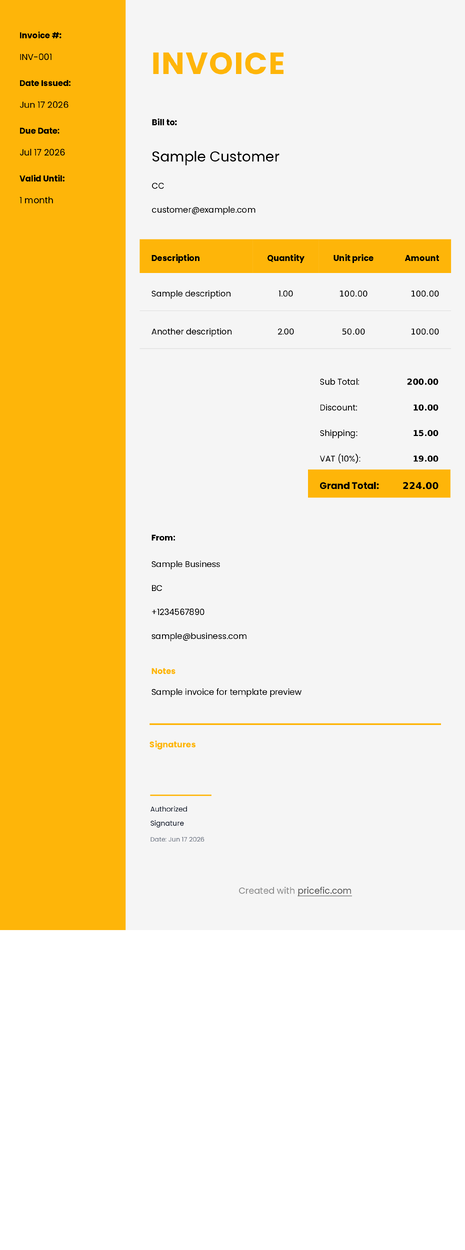
Delivery Note
Template based on delivery-note theme
Use template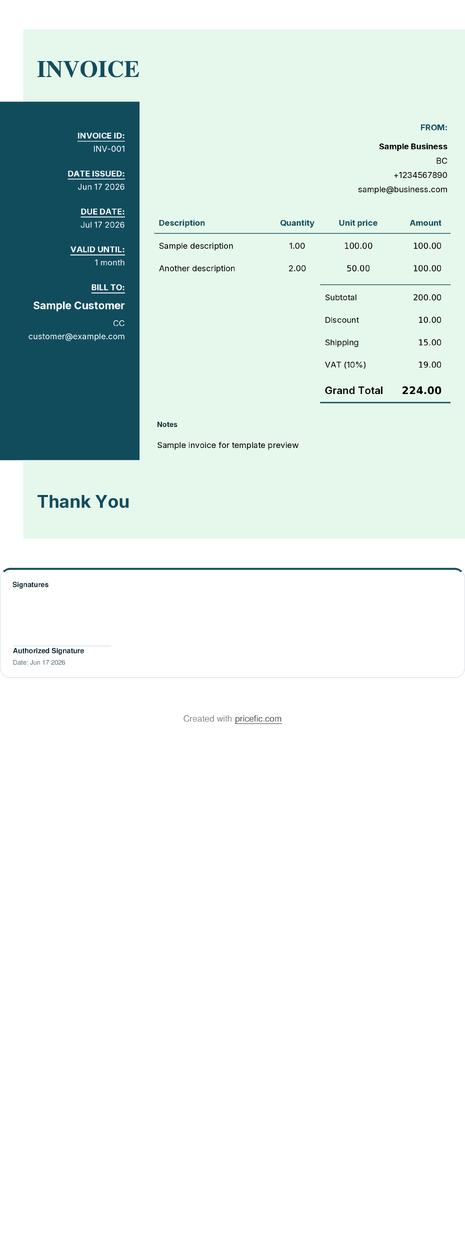
Deluxe
Template based on deluxe theme
Use template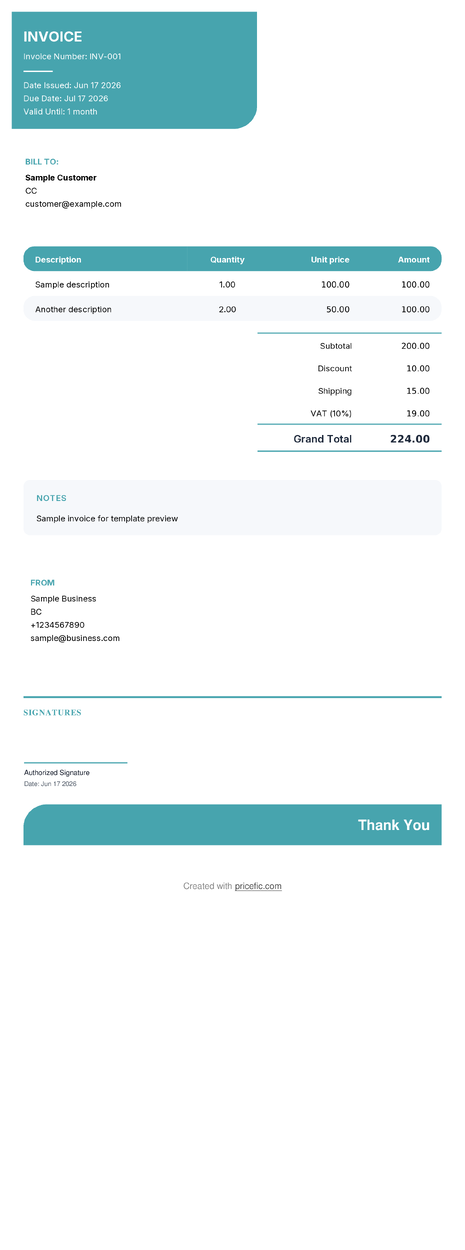
Eco
Template based on eco theme
Use template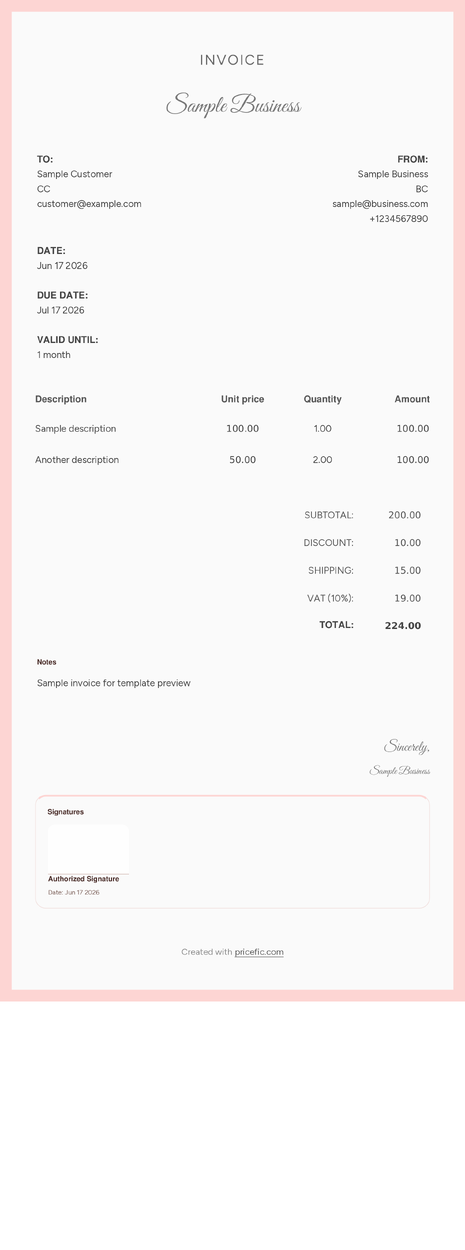
Elegant
Template based on elegant theme
Use template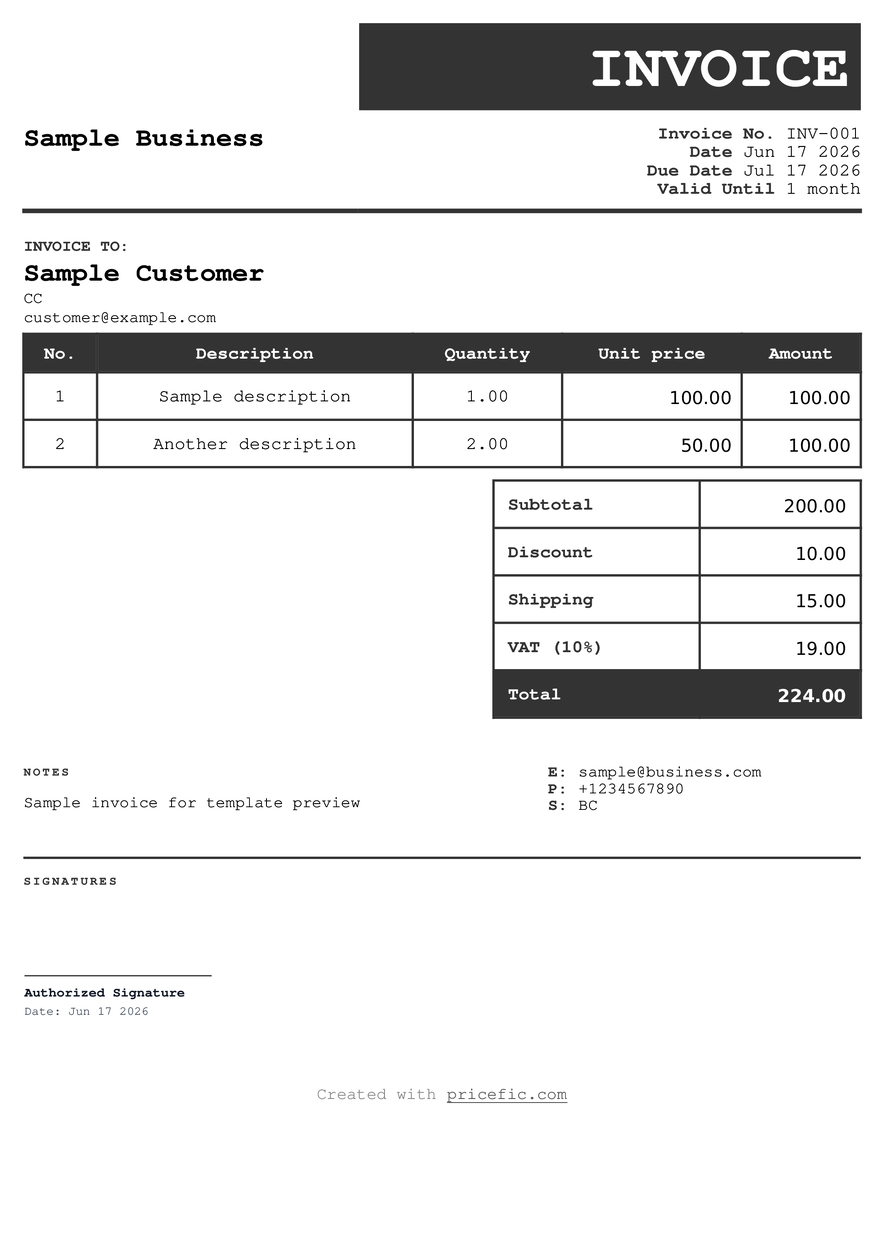
Elegant Black
Template based on elegant-black theme
Use template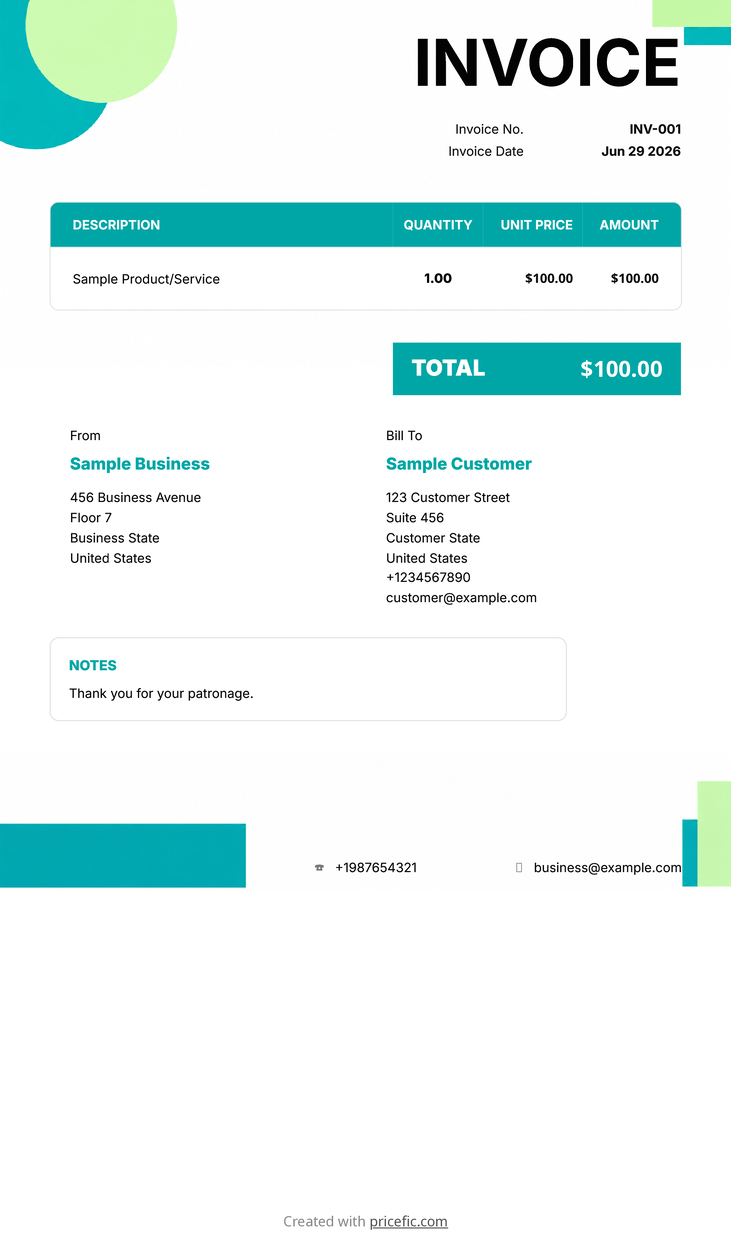
Event Planner
Template based on event-planner theme
Use template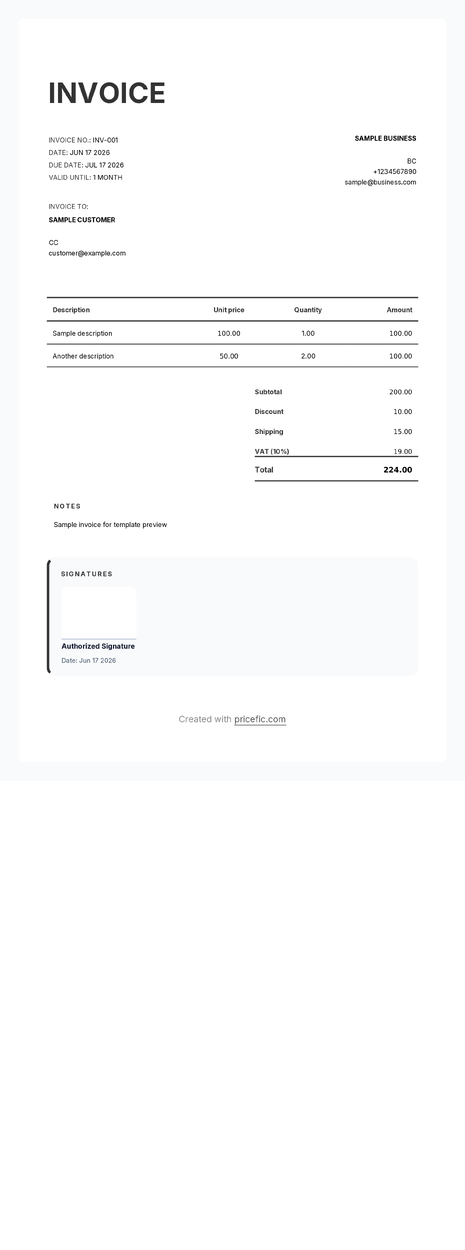
Finance Pro
Template based on finance-pro theme
Use template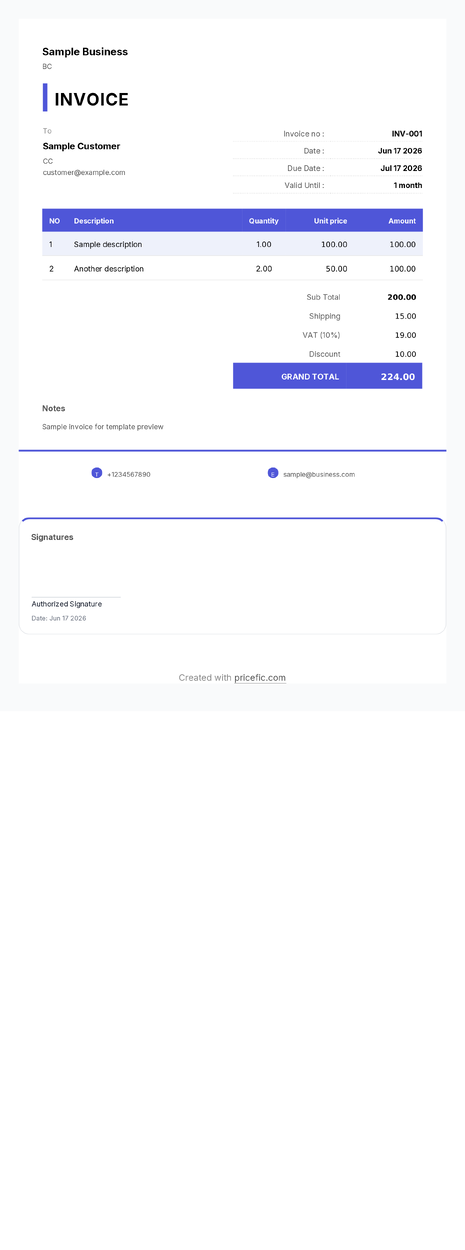
Freelancer Lite
Template based on freelancer-lite theme
Use template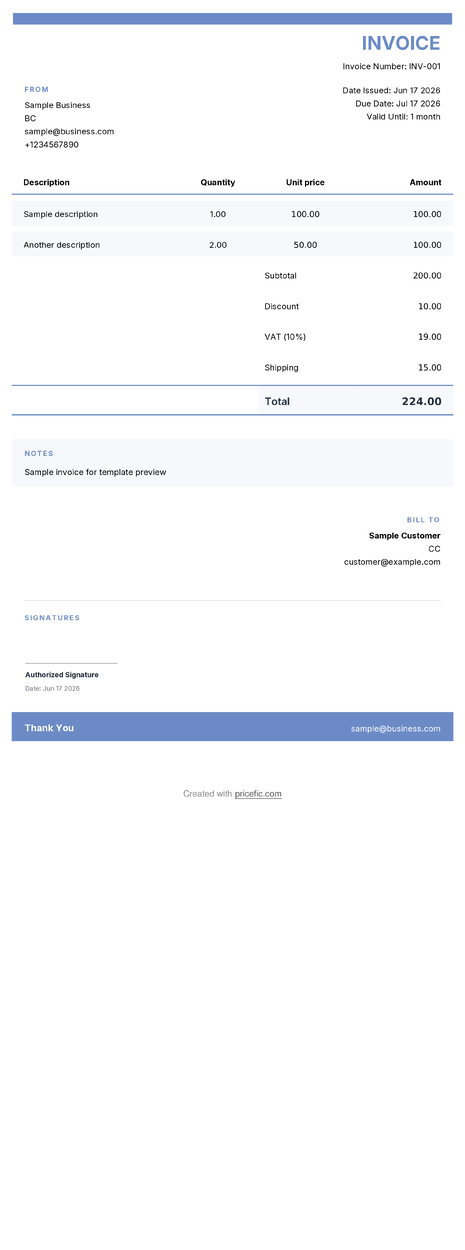
Law Firm
Template based on law-firm theme
Use template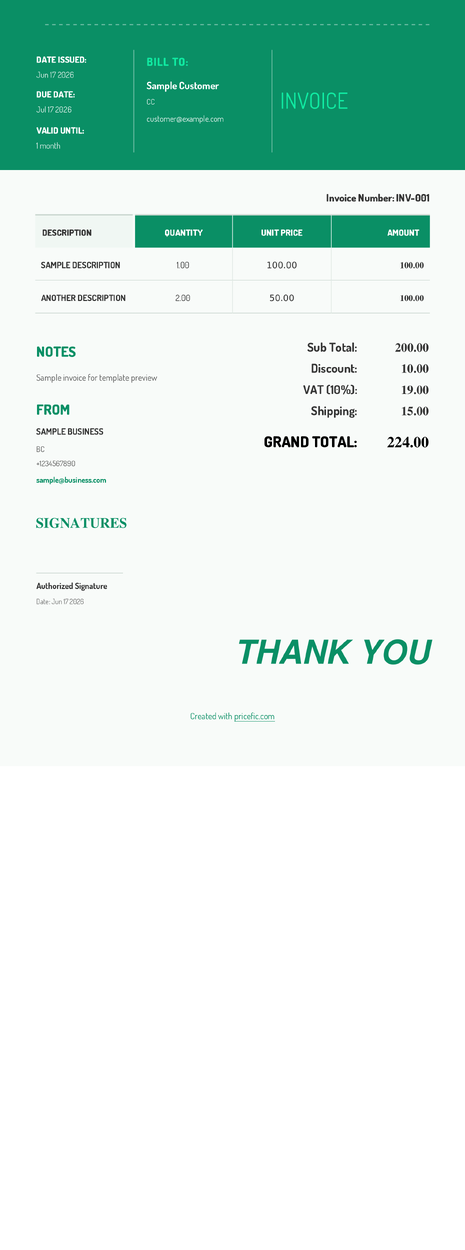
Legal
Template based on legal theme
Use template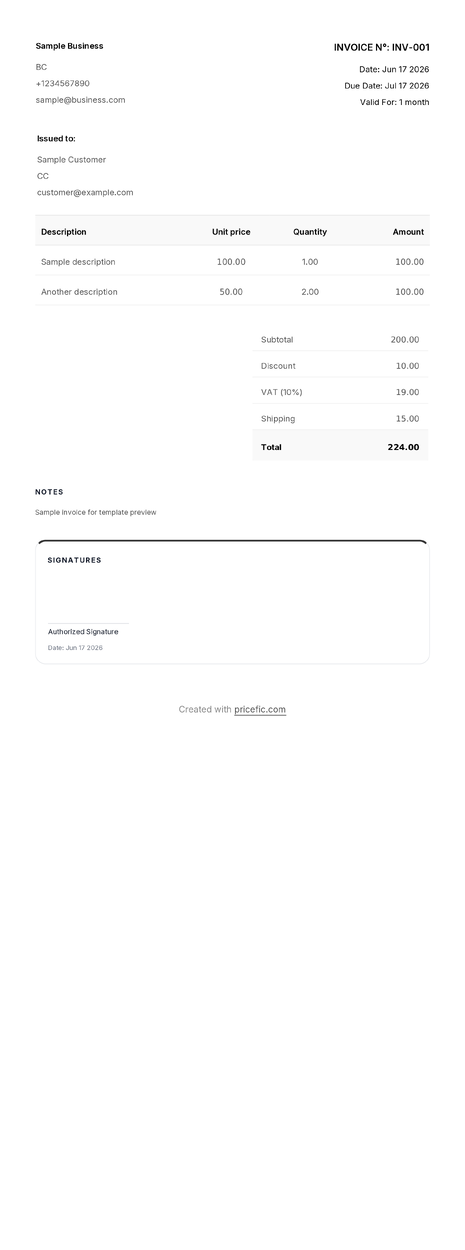
Light Mode
Template based on light-mode theme
Use template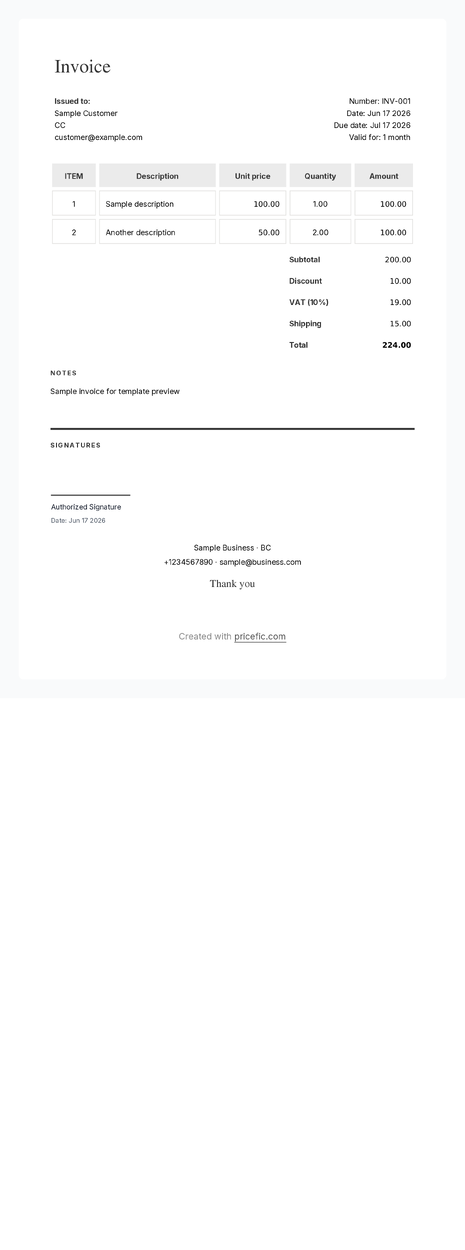
Metro
Template based on metro theme
Use template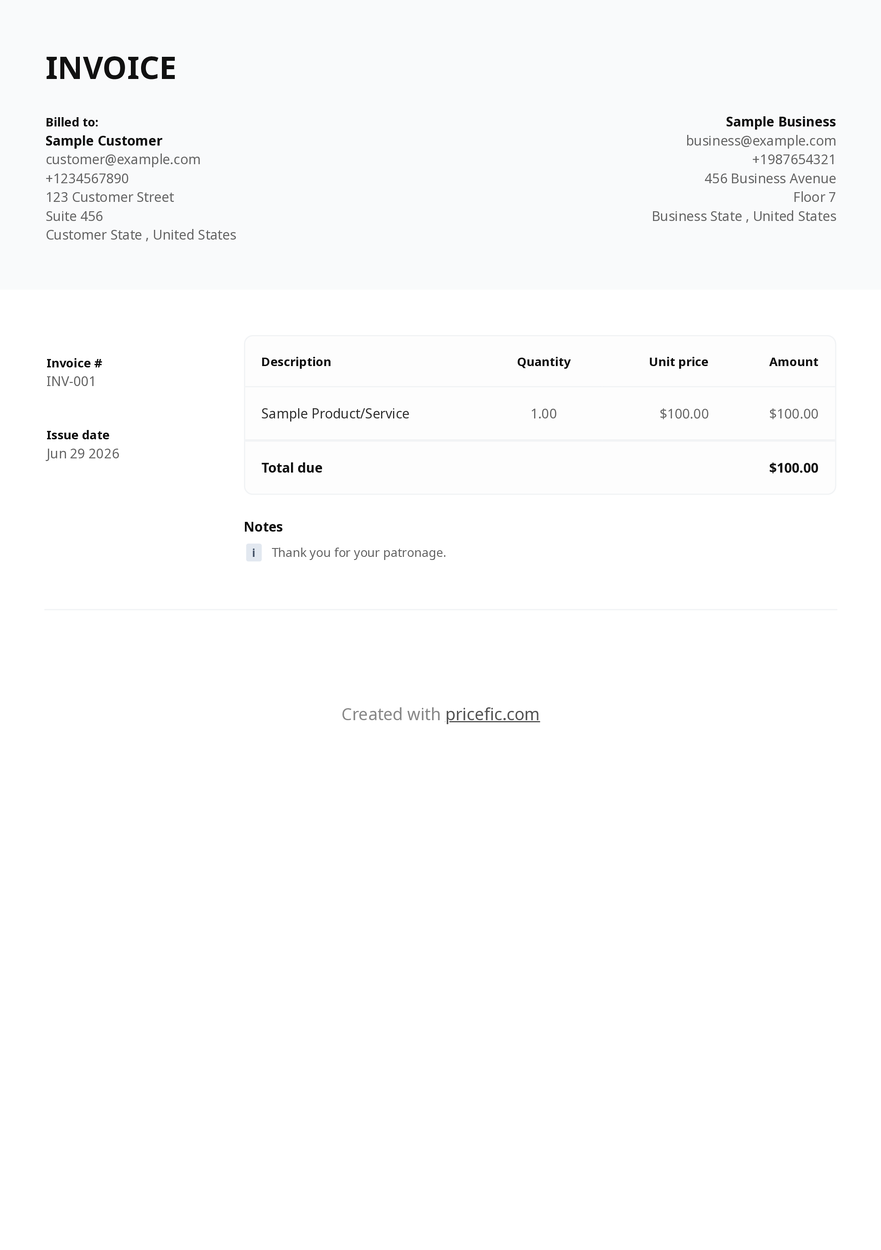
Minimal Pro
Template based on minimal-pro theme
Use template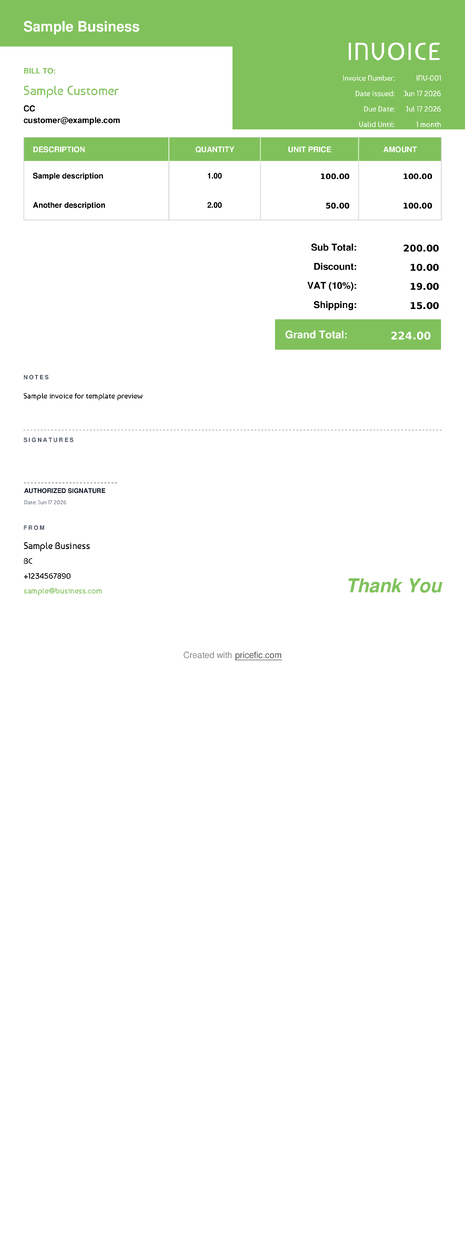
Modern Receipt
Template based on modern-receipt theme
Use template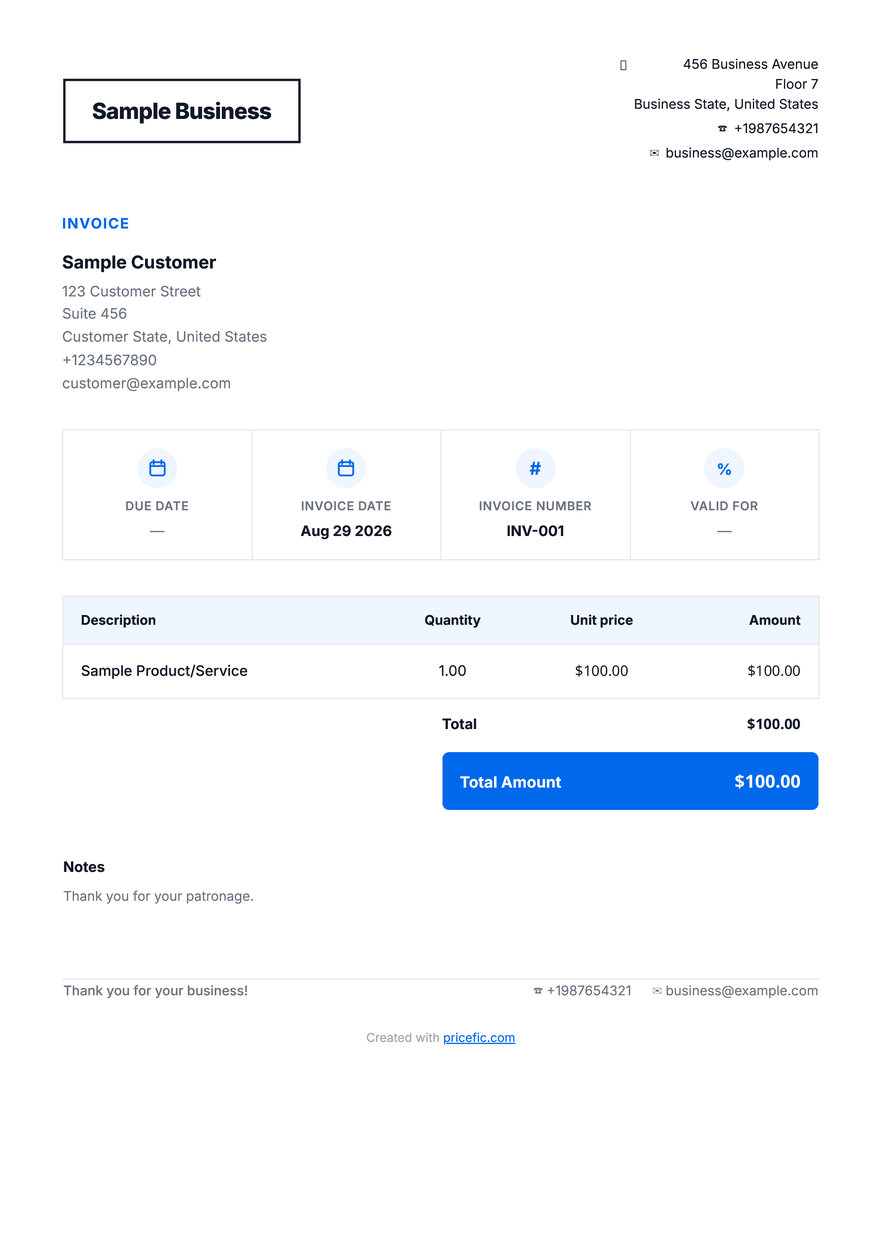
Mono
Template based on mono theme
Use template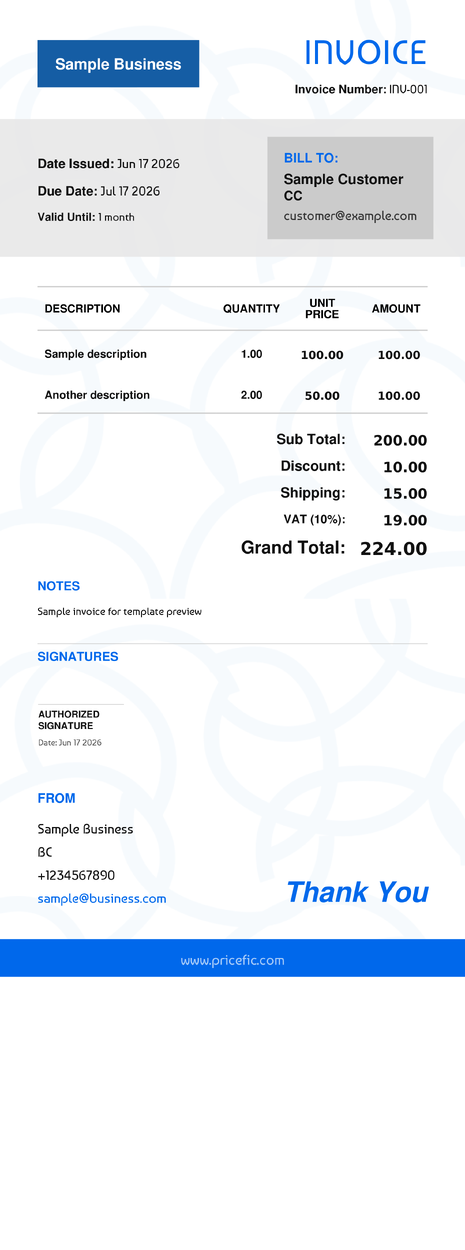
Neo Receipt
Template based on neo-receipt theme
Use template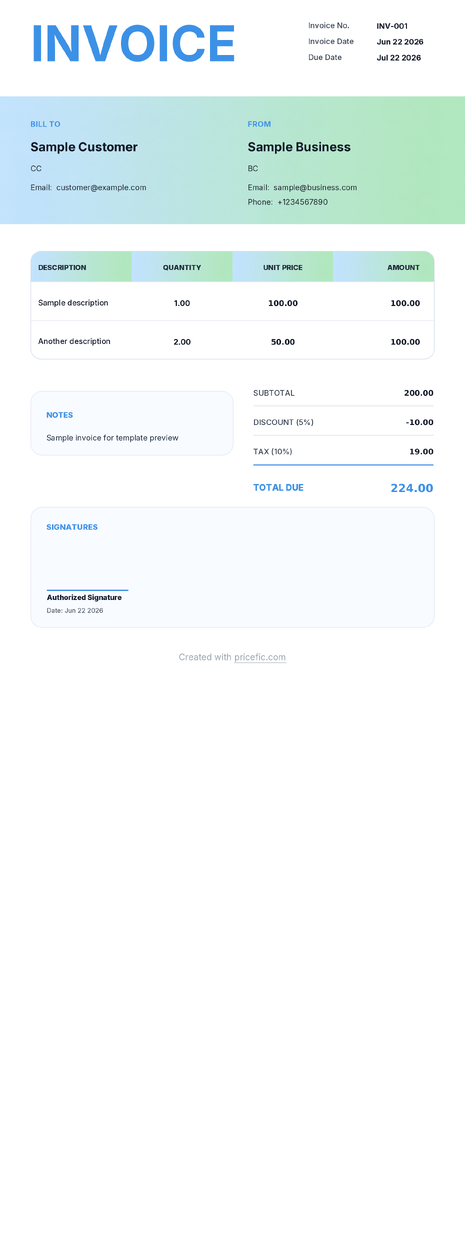
Neon
Template based on neon theme
Use template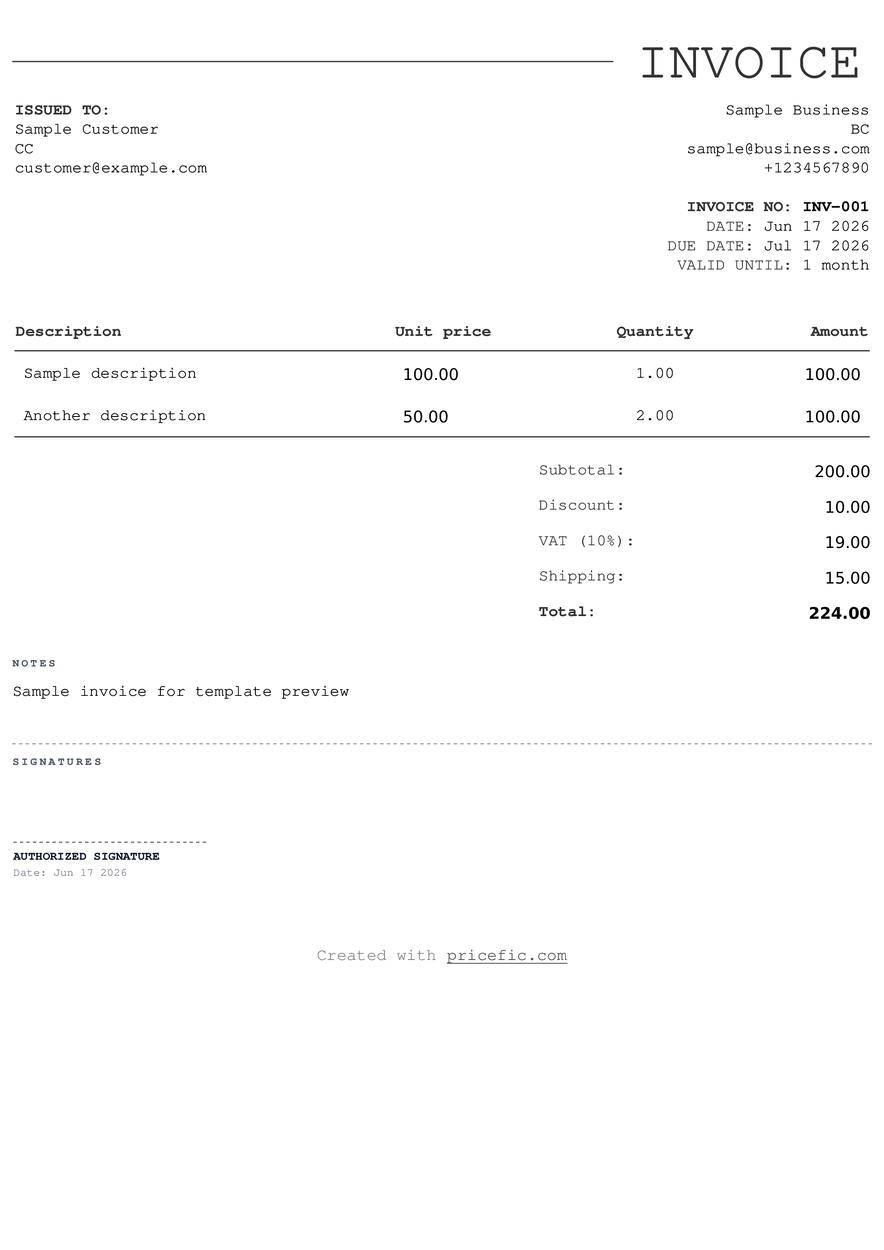
Notepad
Template based on notepad theme
Use template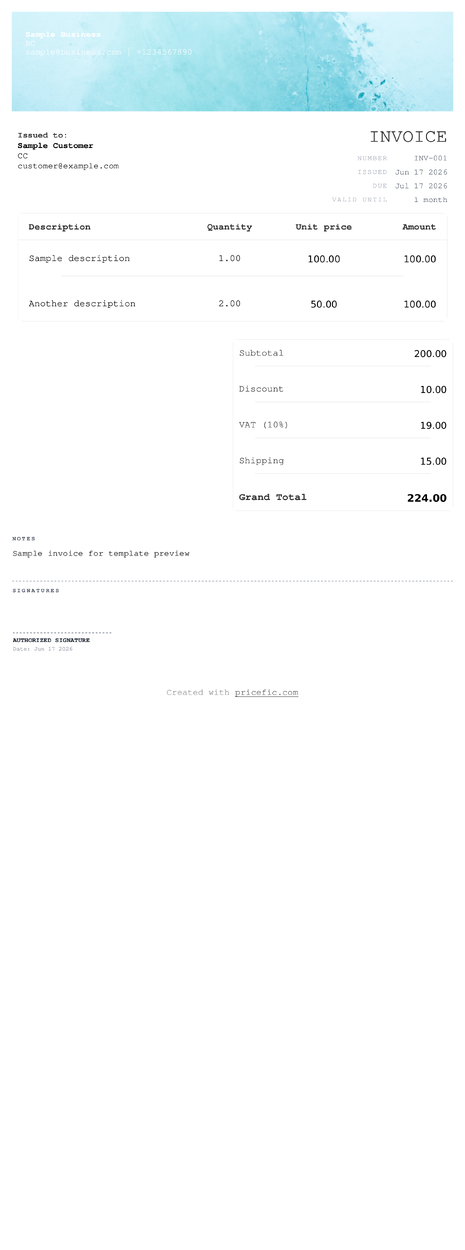
Proposal
Template based on proposal theme
Use template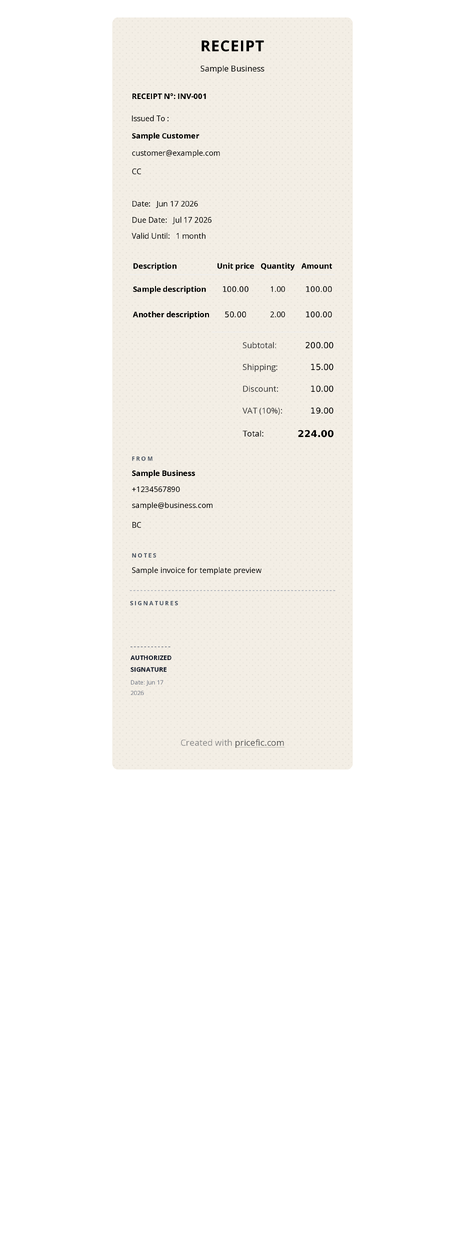
Restaurant
Template based on restaurant theme
Use template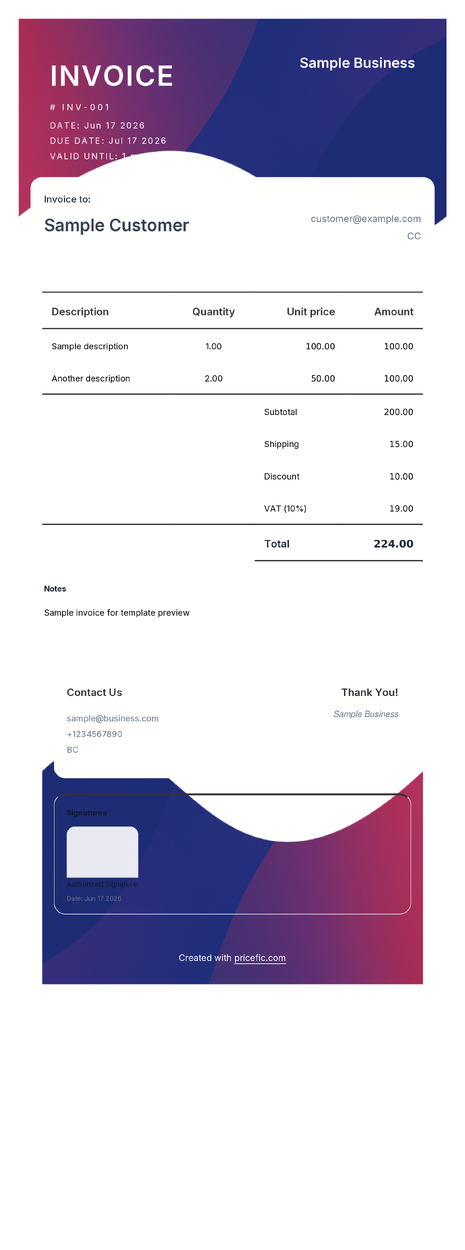
Rounded Corners
Template based on rounded-corners theme
Use template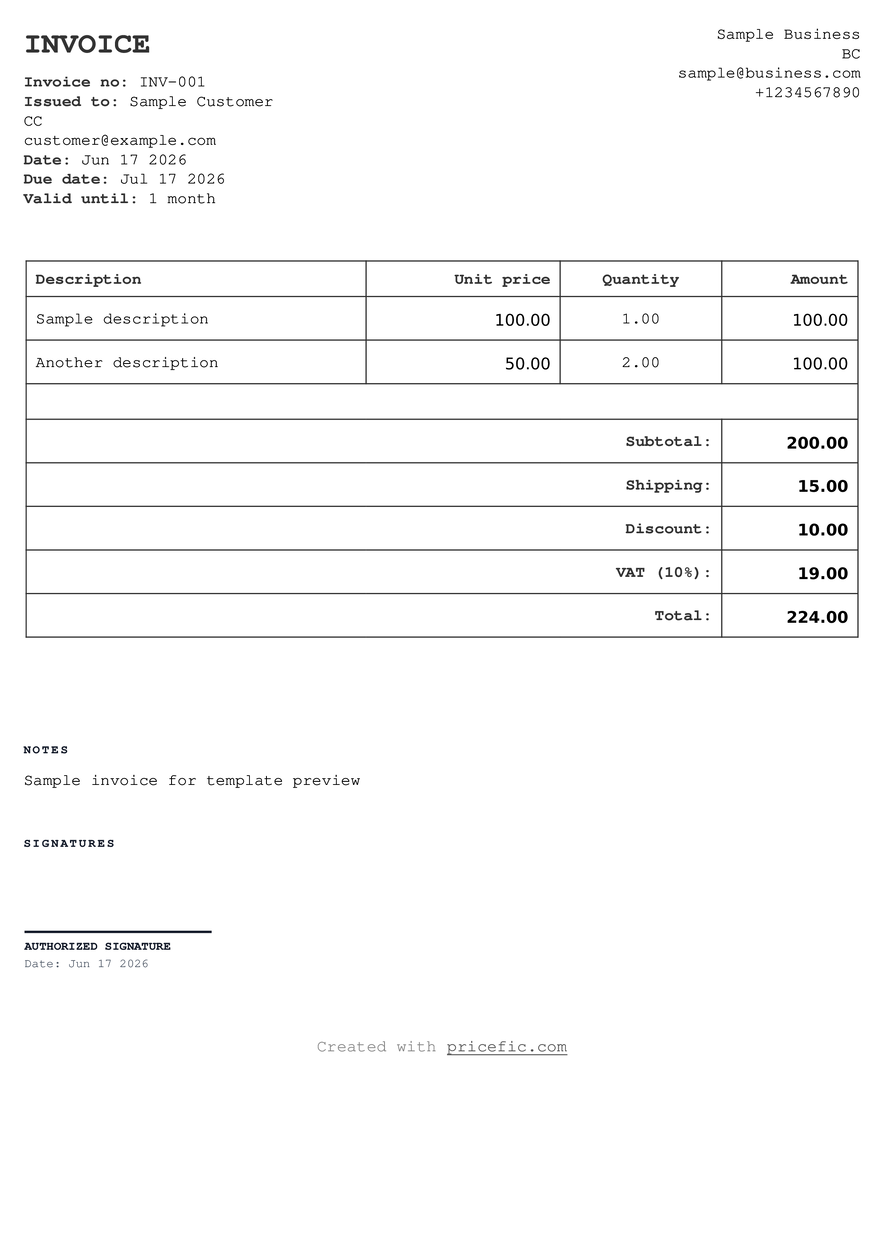
Sharp Edge
Template based on sharp-edge theme
Use template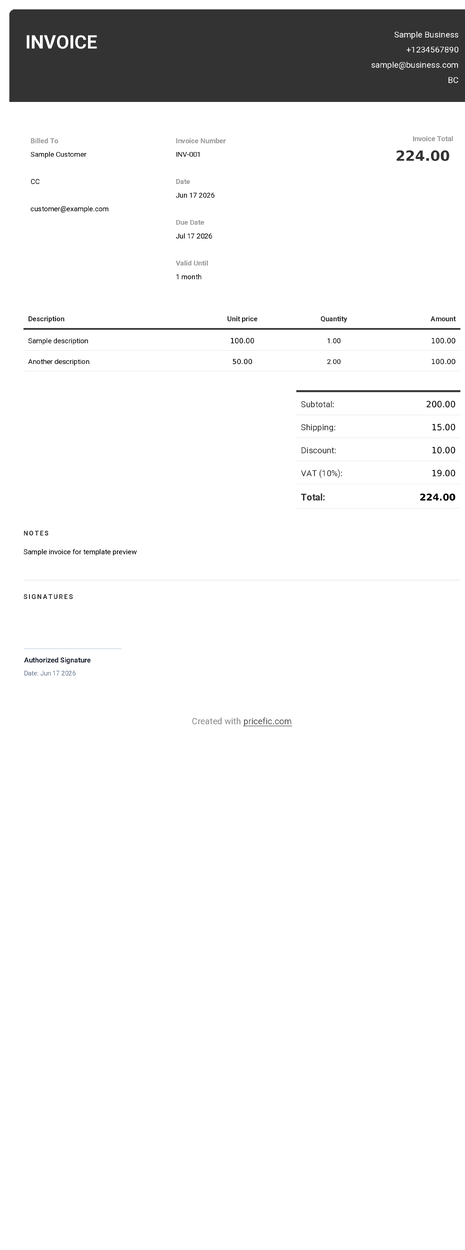
Sleek
Template based on sleek theme
Use template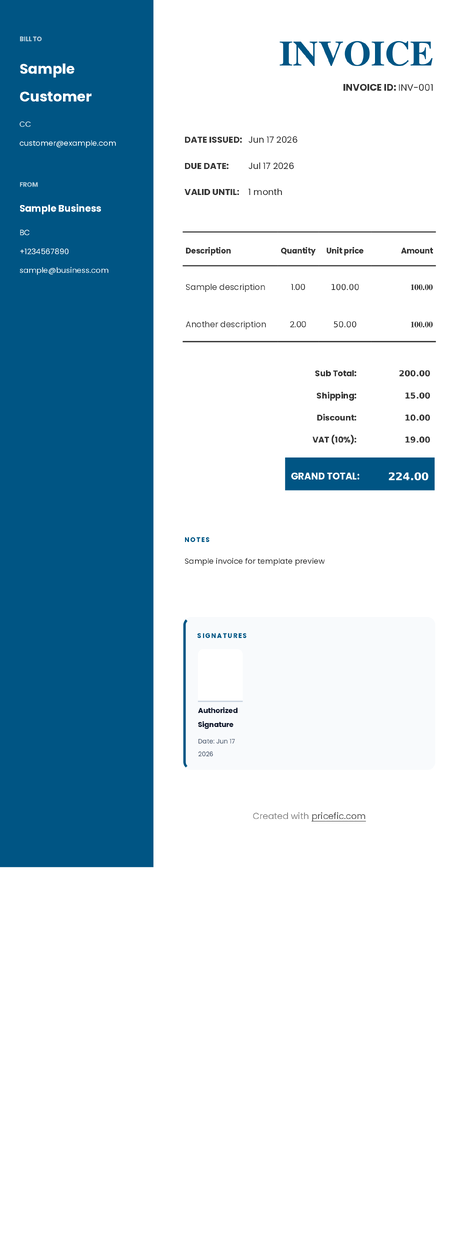
Slick Sidebar
Template based on slick-sidebar theme
Use template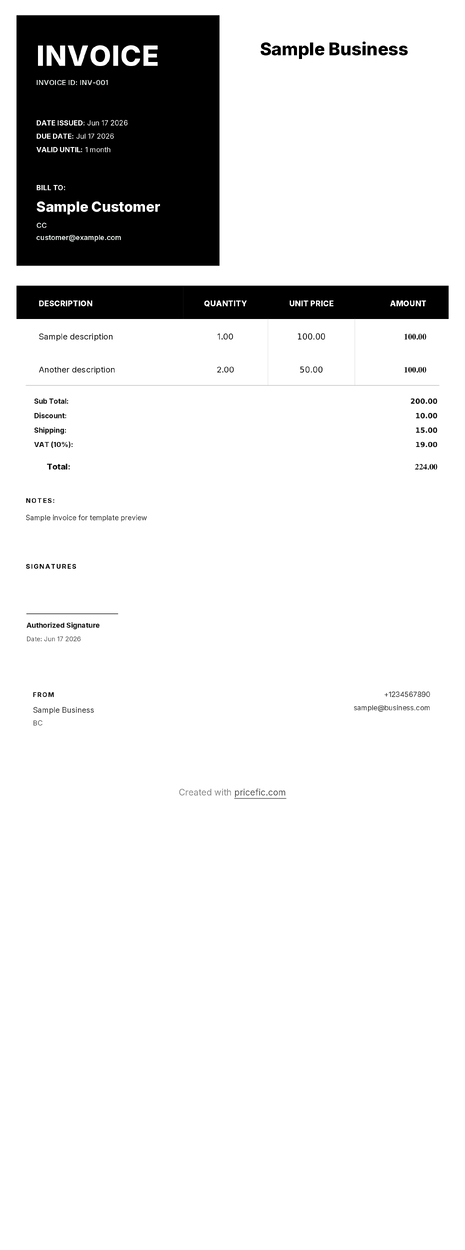
Split View
Template based on split-view theme
Use template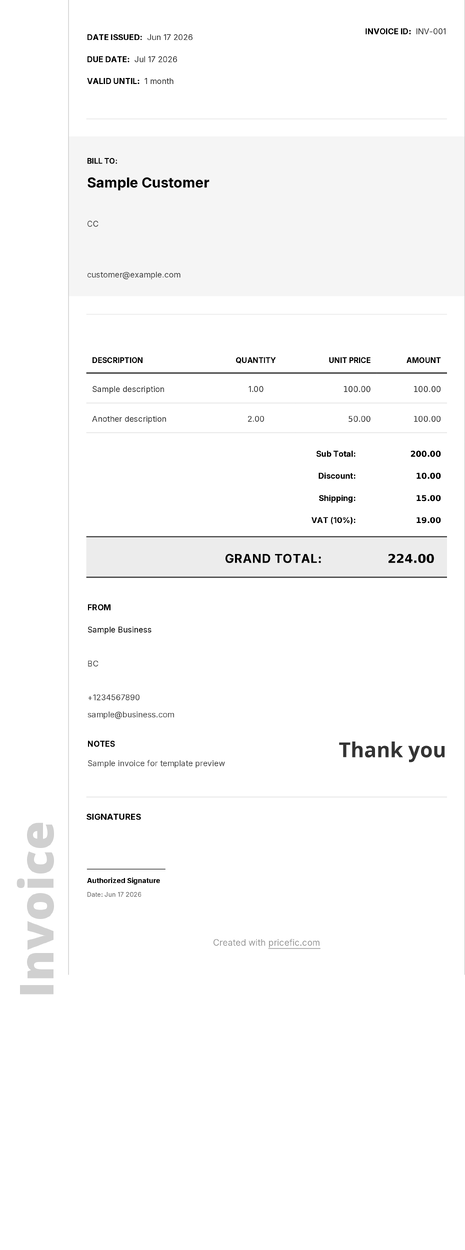
Tech Grid
Template based on tech-grid theme
Use template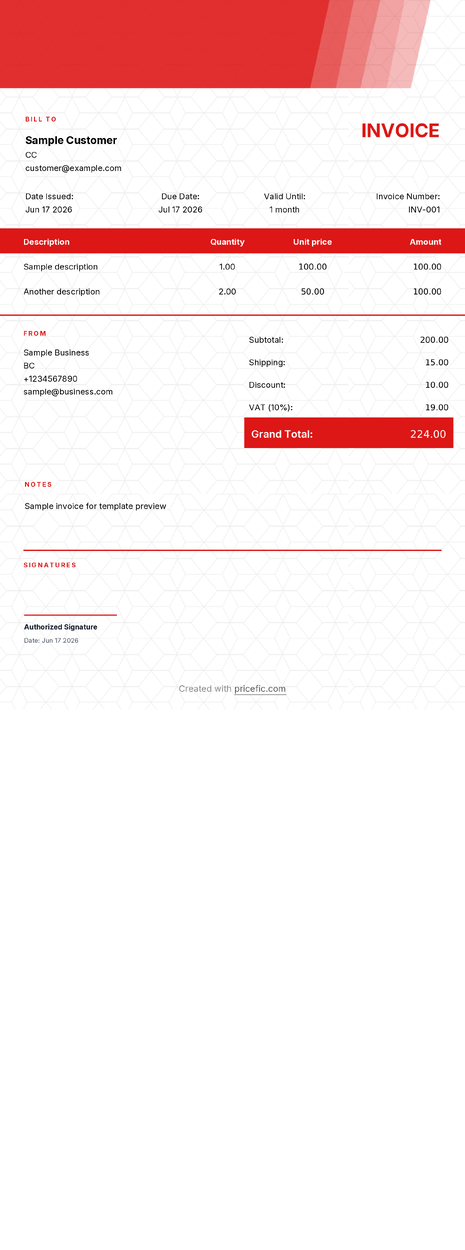
Techie
Template based on techie theme
Use template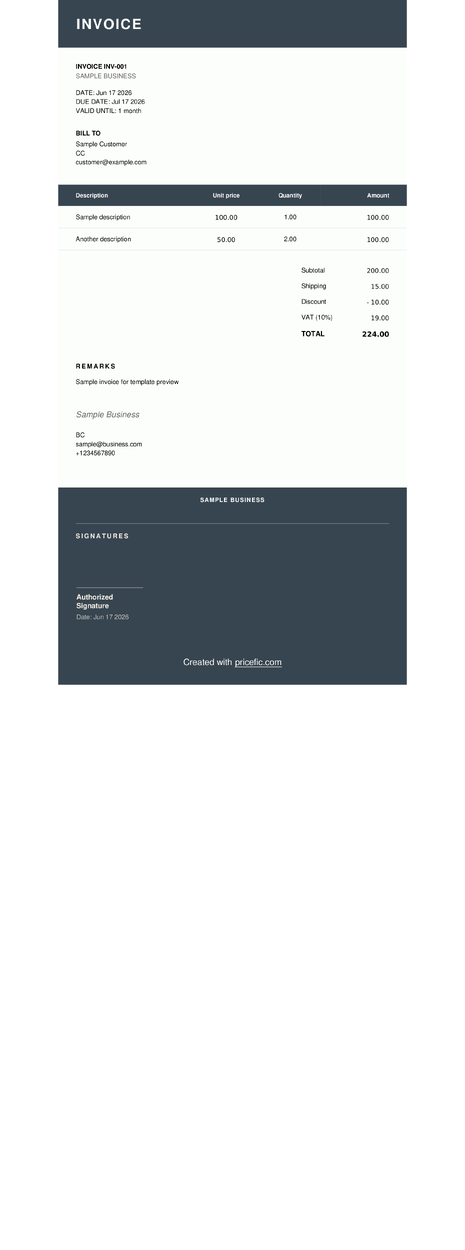
Vintage
Template based on vintage theme
Use template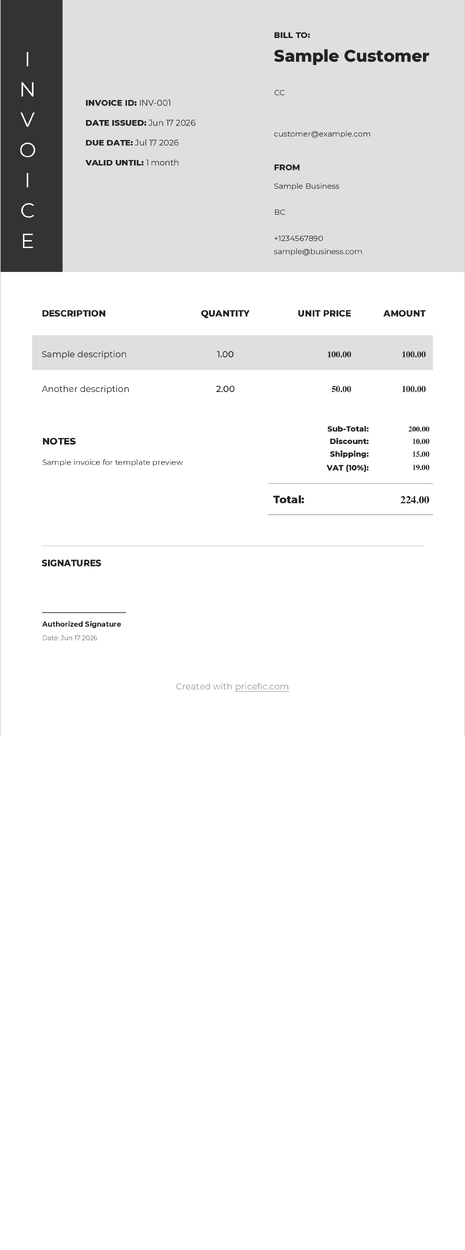
Visual Edge
Template based on visual-edge theme
Use template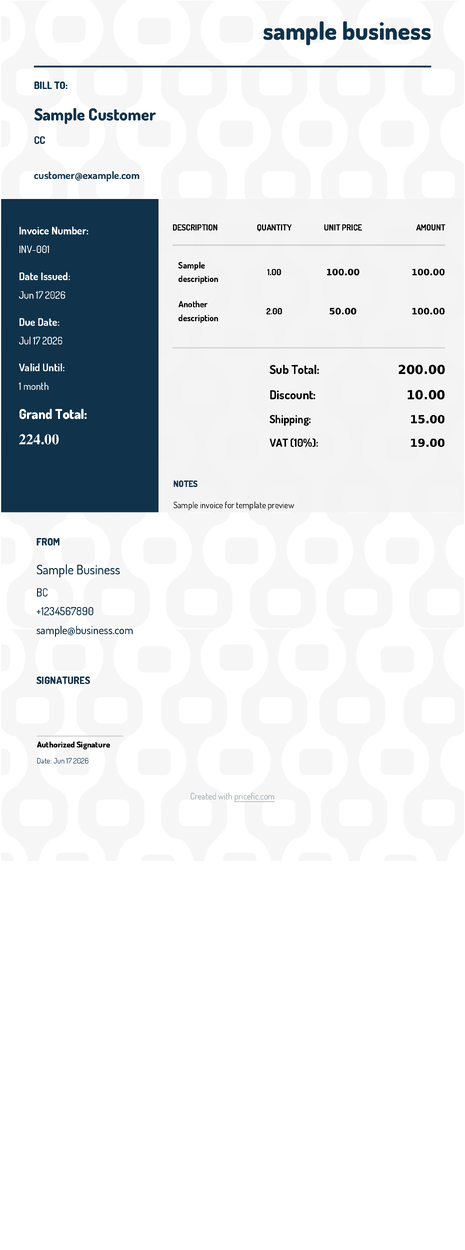
Watermark
Template based on watermark theme
Use template