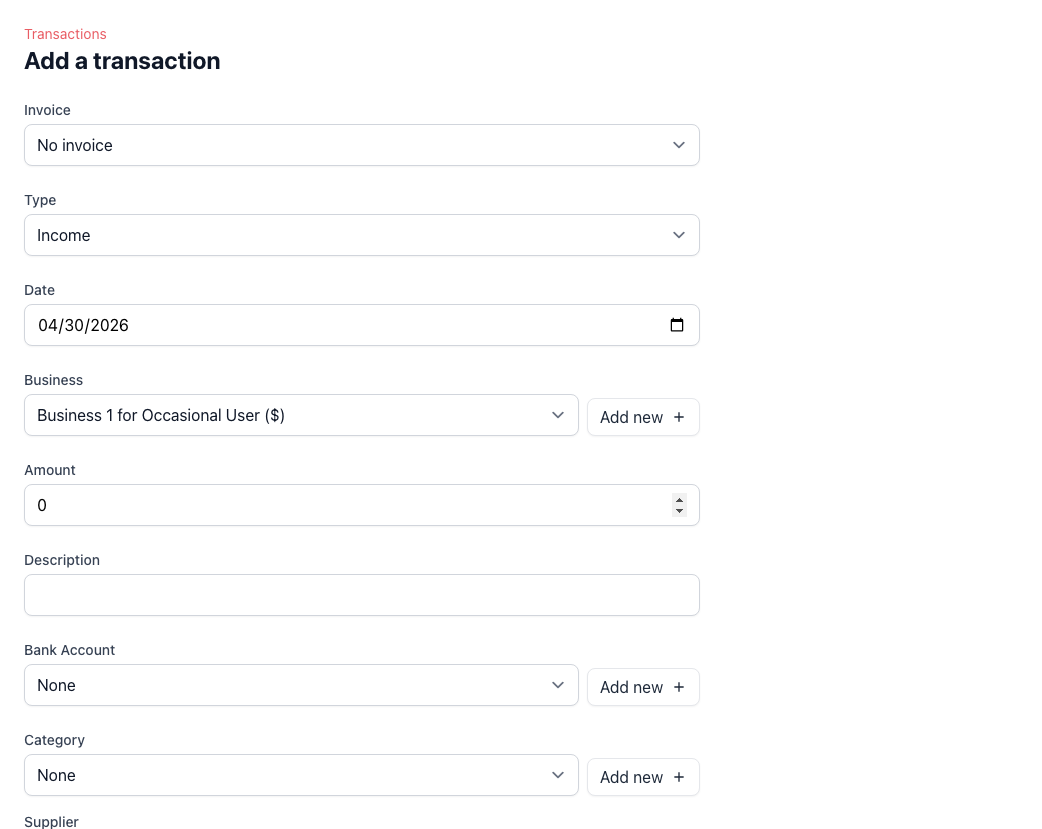
Record income and expenses in one form
Capture the core details of a transaction quickly, including date, amount, description, bank account, and category. This gives you a consistent bookkeeping workflow without spreading records across separate tools.
Attach receipts and supporting files
Transactions can carry attachments such as receipts, PDFs, and image files, so the proof for a payment or expense stays close to the entry itself. This is useful for tax preparation, internal review, and audit trails.
Track suppliers, projects, and invoice payments
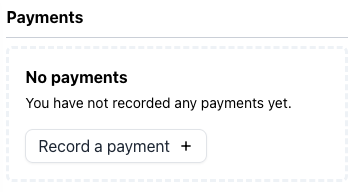
Add supplier and project context when it matters, and link payments back to invoices when you want billing and bookkeeping records to stay aligned. This makes transaction history more useful than a bare amount-and-date list.
Control what affects your books
Posted and unposted transaction states help you separate draft entries from records that should flow through to reports and balances. That gives you room to review before finalizing.
Import bank statement activity for review
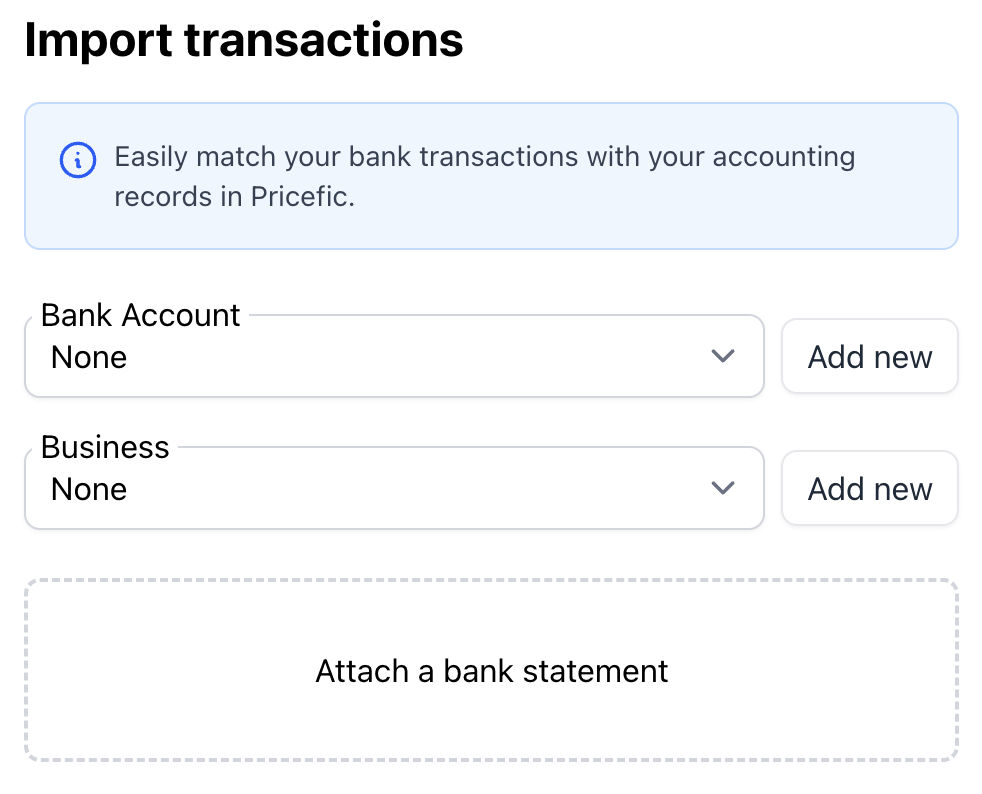
Instead of entering every bank line manually, import a bank statement, review parsed entries, classify them properly, and confirm what should be created. This is practical for regular reconciliation work.
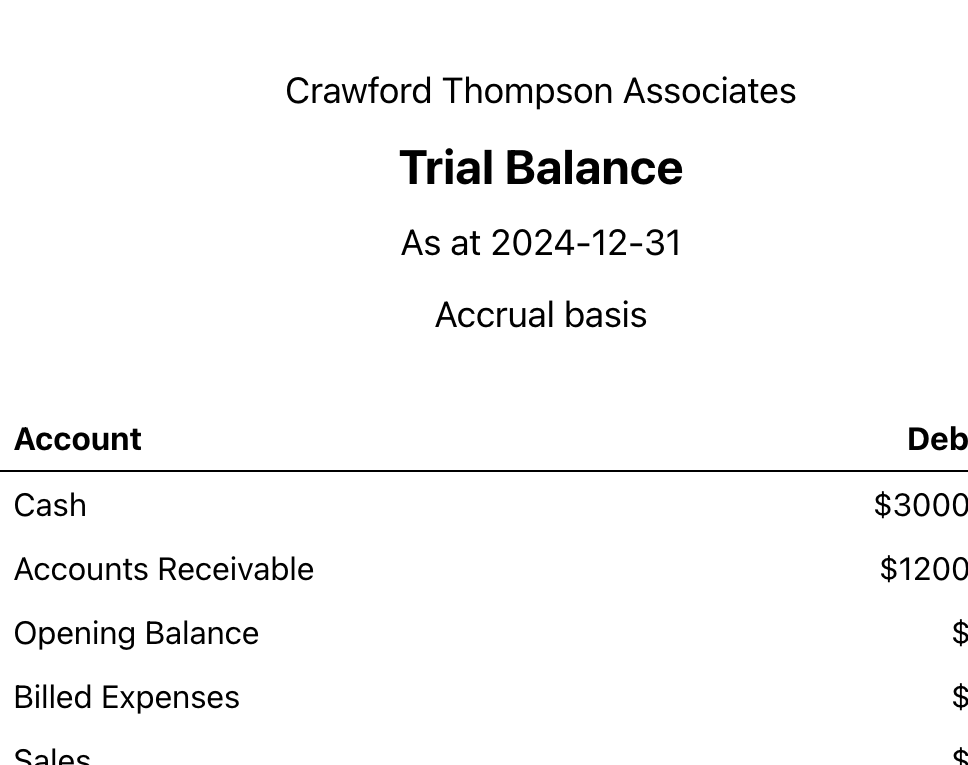
Turn transactions into reporting data you can trust
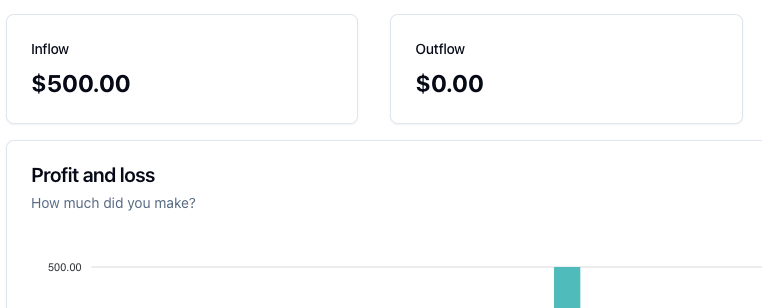
When transactions are categorized correctly and kept posted where appropriate, they feed directly into reporting and broader bookkeeping workflows. That makes the transaction screen part of a larger finance system, not an isolated log.
A cleaner workflow for day-to-day bookkeeping
1. Capture
Enter or import the transaction
Record a manual entry or start from bank-statement activity that needs review.
2. Classify
Add category and context
Assign the right account, supplier, project, invoice, and bank account where relevant.
3. Support
Attach the evidence
Keep receipts, PDFs, and images with the transaction instead of storing them elsewhere.
4. Post
Control when it affects books
Keep entries as drafts until ready, then post them so they flow into reports and balances.
Useful when your transaction records need supporting detail
Expense-heavy businesses keeping receipt trails
Attachments and supplier fields help when each expense needs proof, context, and a cleaner audit path later.
Teams tracking job or client profitability
Project-linked and invoice-linked transactions are useful when you want records to connect back to the work that generated them.
Bookkeeping routines built around monthly reconciliation
PDF bank-statement import and review workflows reduce repetitive entry work and make month-end cleanup more manageable.
Related guides and pages
Transaction Guide
See the current transaction workflow in Pricefic, including suppliers, projects, and attachments.
Reconciliation Guide
Learn how to import a bank statement and confirm reviewed transactions.
Reporting
See how posted transactions flow into financial reports.
Bookkeeping Software
View the wider bookkeeping workflow around accounts, reconciliation, and reports.
Frequently Asked Questions
Common questions about transaction capture, attachments, invoice-linked payments, and reconciliation.